142 - Inepro Back Office Suite
Advanced Tasks
Replacing a Server
Prerequisites:
§
Existing server
Where
§
Main Menu\Advanced\Site Types
Replacing a Server
Changes in the IT-system might result in the decision to replace the server that runs our services and / or contains the
database server.
In this case follow these instructions:
1) Write down license box number. Find this number on the license box.
2) Install the new server.
3) Move software to the new server.
4) If the IP-address has changed:
a) Change IP-address in Business Server.
b) Reconnect license box to server with config tool.
5) If the server was also the Database server or the IP-address of the database server was also changed.
a) Change host name / IP-address everywhere in the system to point to new database server.
6) Reload license file.
Where to change the IP-addresses
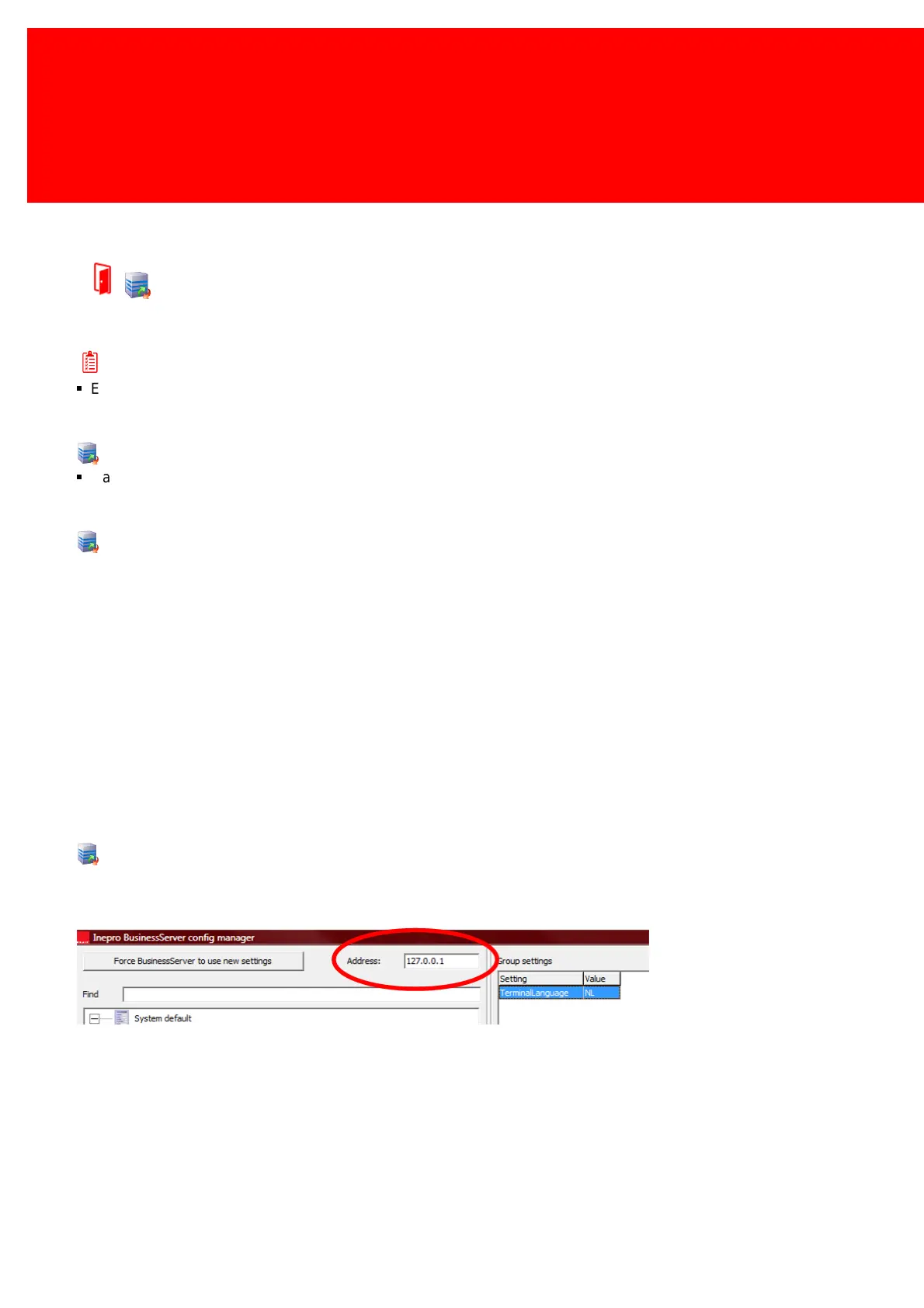
Business Server
If address of the location of the Inepro Business Server has changed, change the address in the config managers to the
correct address:



 To Next Page