83
Define
Worksheet
§
Enter a name and click 'Adjust Layout'
§
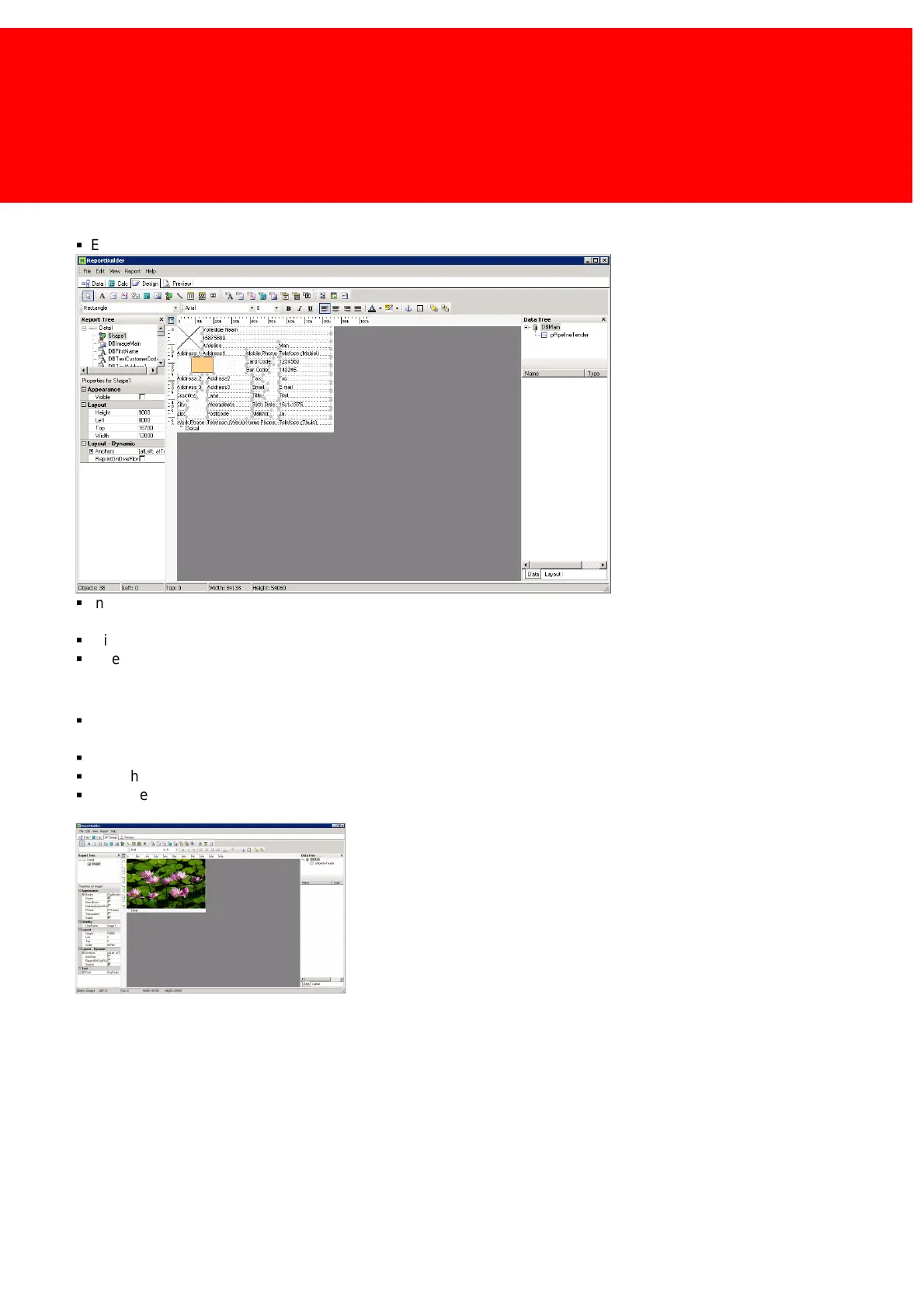
In general it's easier to start from scratch than to adapt the default layout, but if a chip card layout must be created, leave
the golden square that represents the chip card for position purposes. In all other cases follow the steps below:
§
Click on the workspace and select all objects (CTRL-A).
§
Delete all the objects (Press <Delete>)
Background Picture
§
If a background picture is used make it as big as the background (Right-click => 'position', 85700 width and 53900 high,
left and top 0) Select the 'image' icon.
§
Check Stretch in the properties to ensure the whole area is covered.
§
With the property 'Picture' the image file can be imported into the layout.
§
I choose 'Desert Landscape' from the Windows Vista Example Image map or 'Water lilies' from the Windows XP image
example map.



 To Next Page