84 - Inepro Back Office Suite
Steps
Database and non-database text
§
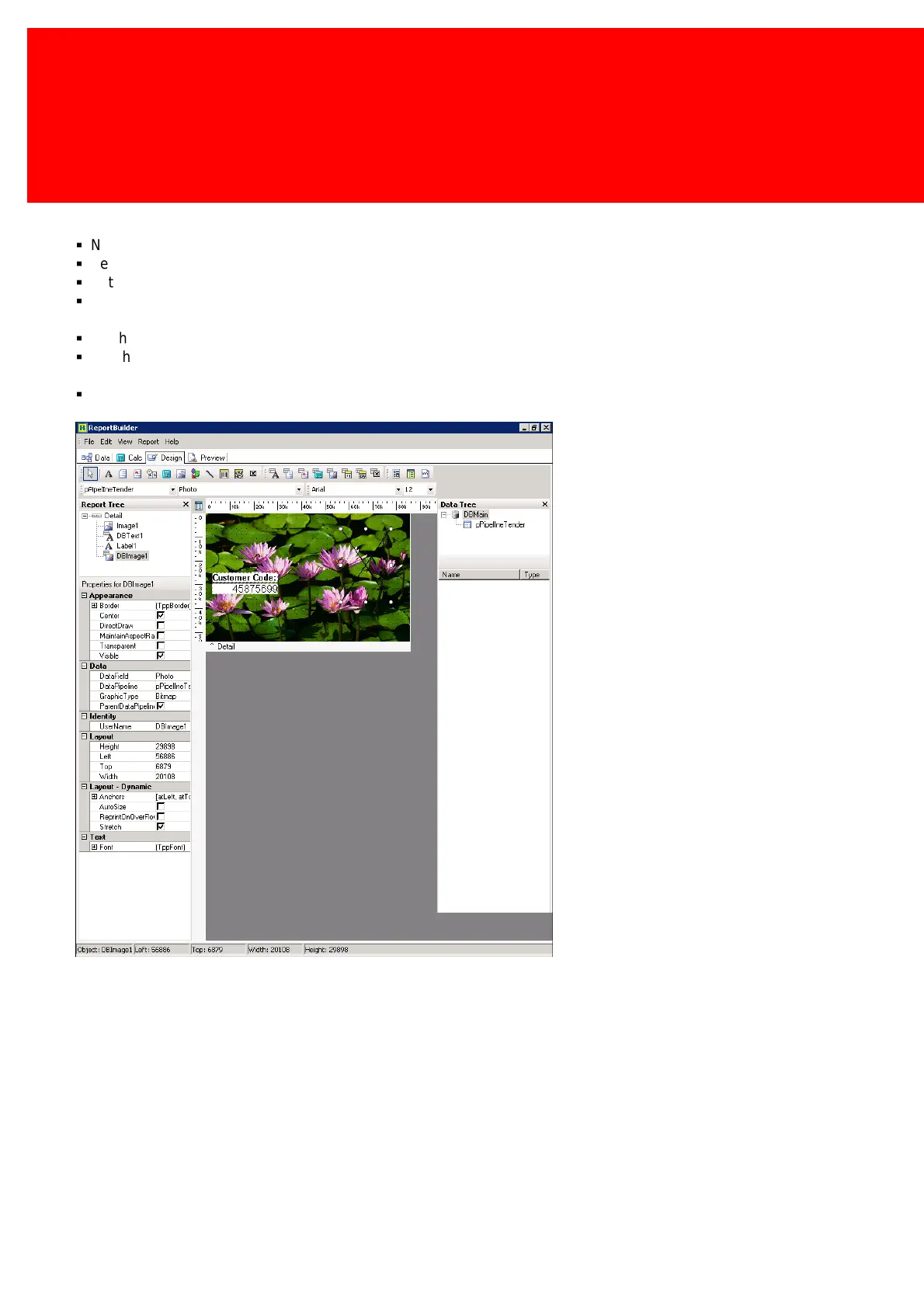
Now we will add the User Number on the card.
§
Select 'DBText', this is a database sensitive text.
§
Set the font to 'Arial' en font size to '12'.
§
Set 'Transparent' to 'enabled' to let the background show, and to 'disabled' to create a fixed colour backdrop. We will
disable this as the water lily image is too distracting.
§
On the lower right the properties of the object that is selected are shown.
§
Set the 'Datafield' to 'Customer Code' (remember each data component must be linked to the database like this (via data
field)).
§
Create a label. It now has the same font and size as the 'DBText' object. Set the label text to 'Customer code:' and place
it before de DBText.



 To Next Page