26 - Inepro Back Office Suite
Software installation
Fill out the name of the Organisation.
Fill out the name of the Location.
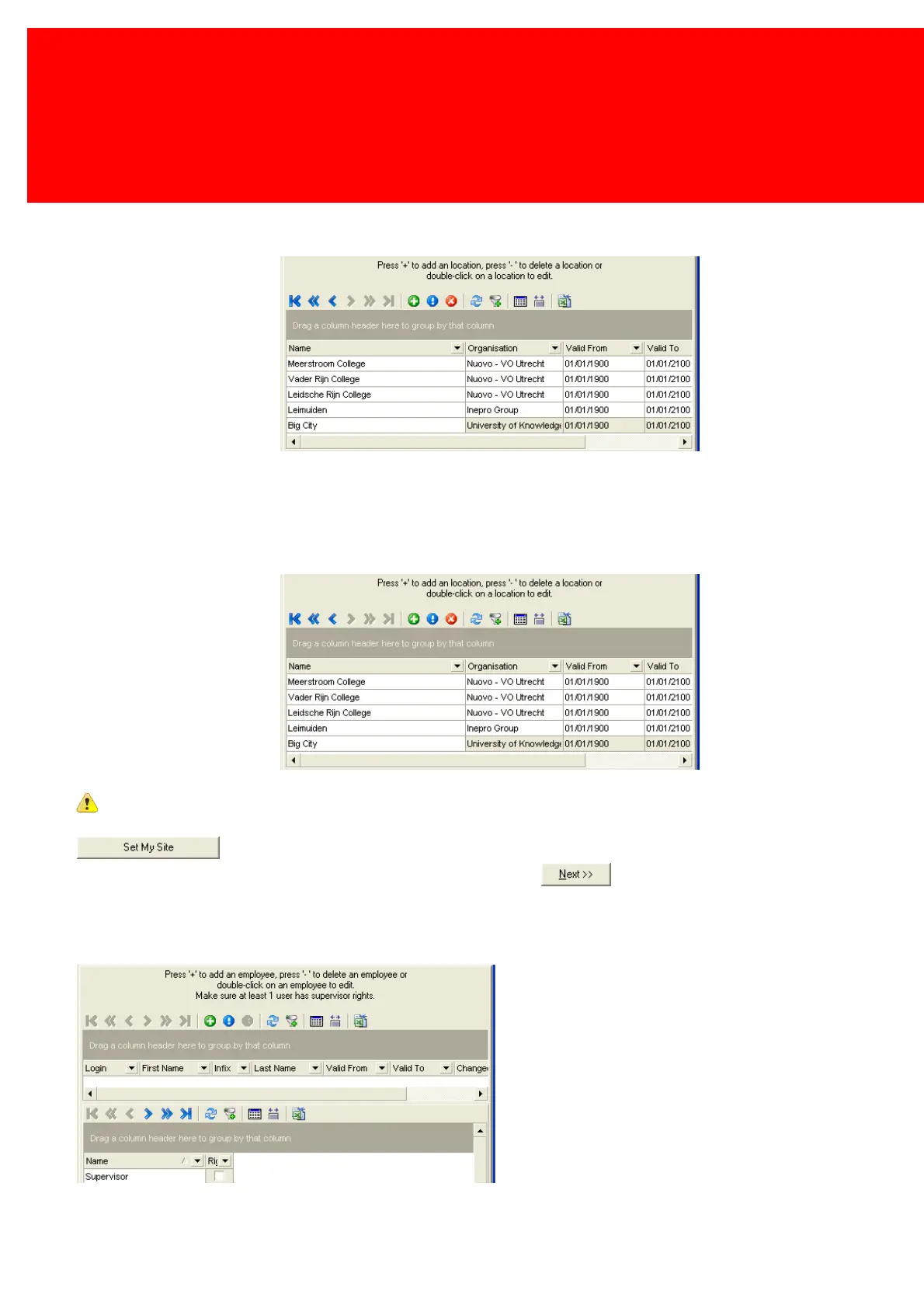
Site is the place where a device, user or Terminal is physically located. It is the smallest group of the hierarchical structure
of an organisation and it is mandatory.
Fill out the Site data.
One Site must be set as the 'main' or 'activated Site'. If a site is not yet set to 'active', it can be set by clicking the
button.
Only if a Site has been set to 'active' the wizard can continue and the button will be enabled.
When no authentication data is entered everybody can start the Back Office Manager and has access to all functionalities
offered by this version of the Inepro Back Office Suite.
Access by employees can be limited or granted
If the step will be skipped at this point, press [Next].



 To Next Page