27
Wizard
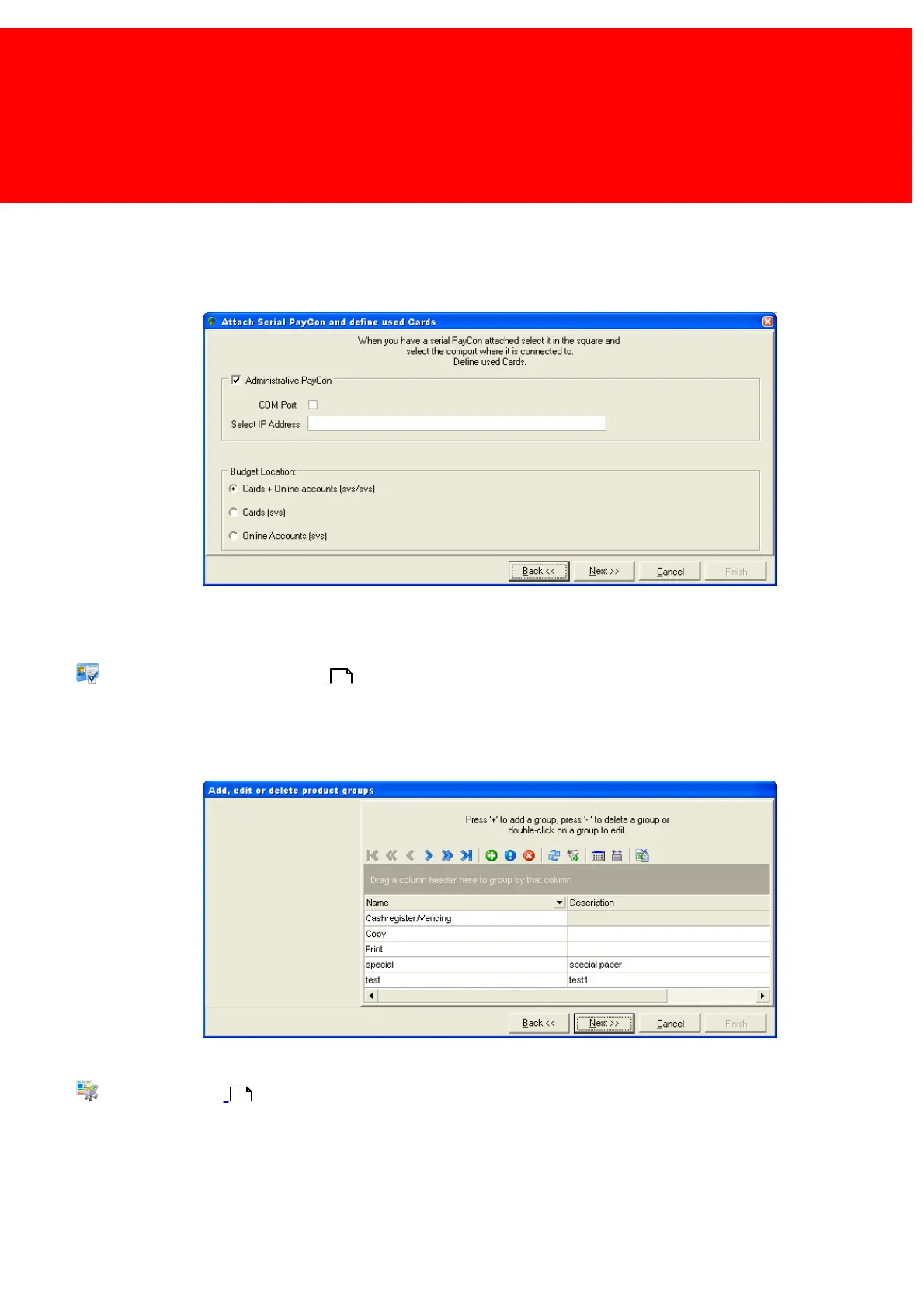
When a PayCon is connected to the serial port of the computer running Back Office Manager or to the network, a large
number of card management features are provided. Should there be a PayCon connected, check the [Administrative
PayCon] check box and select either the serial port it uses or it's IP-address. When a serial port is used the 'Use COM port'
box should be checked.
At Budget Location choose between Cards, Online Account or Both. If either Cards or Online Accounts is chosen, the other
option will disappear from the menu.
Read more about Budget Locations in the chapter:
Account / Card Settings on page:
Product groups can be used to manage the Products and Paper Prices easier.
By default a small number of product groups are provided. The product groups can be added, deleted or modified now or in
a later session via the menu.
Read more about Product Groups in the chapter:
products on page:
78
54



 To Next Page