183
Import from LDAP
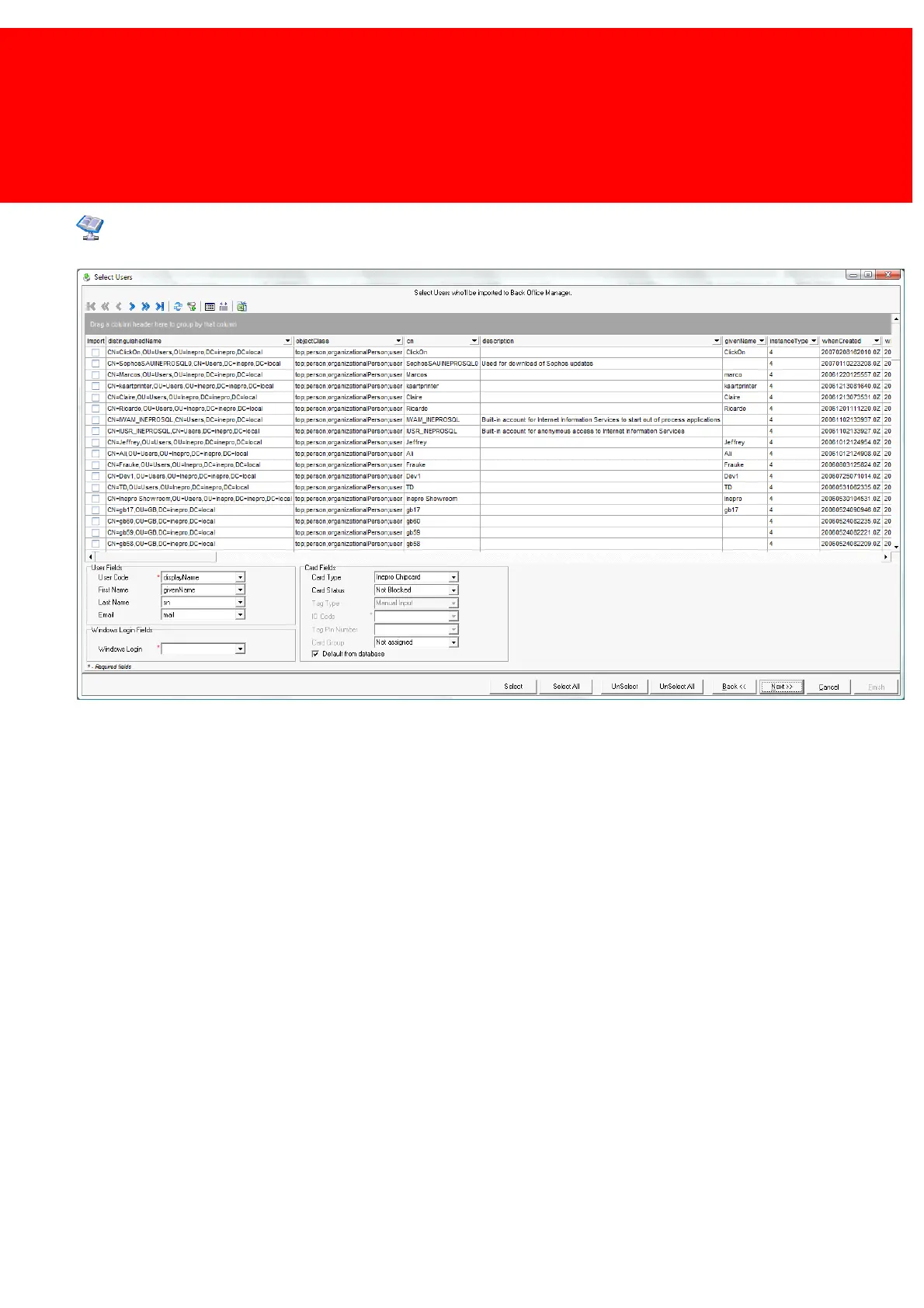
Link User fields
On top of the screen the Inepro Back Office toolbar to sort and filter is available.
Adding the correct Card Group enables the tool to create purses for the accounts. Connect multiple purses to a card group,
like personal credit, unlimited budget.
The card group can be linked in 2 different ways:
1. By a pre-defined column in Active Directory in which data that has the Card Group that is known in the Inepro Back Office
database. This column needs to be created in Active directory and should have the correct Card Group linked to each
User. Using this way, a user can each have a different card group while being imported together with user that have a
different Card Group.
2. By selecting the Card Group from the list of available Card Groups in the Active Directory import window. This will give
every user that is imported the same Card Group.



 To Next Page