7
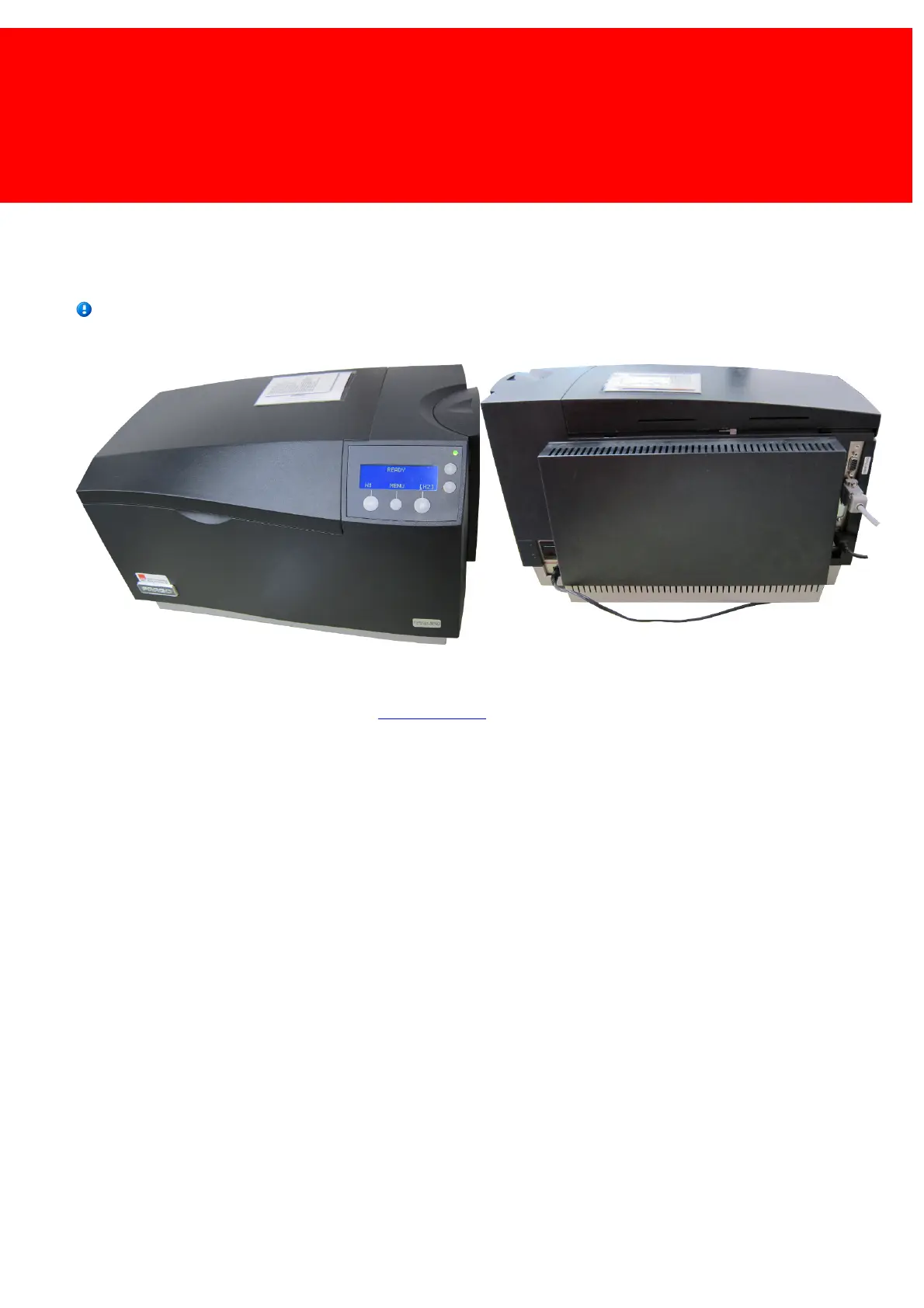
Card Printer
Preparation
Before the card printer can be used in the system an Inepro Administrative terminal must be connected.
Make sure that a power outlet is available at the location of the card printer.
On site
Connect the device to a power outlet, connect the serial cable to the Administrative Terminal and the USB cable to the
workstation.
The printer should be visible in the OS, go to www.fargo.com or use the included driver CD if drivers are required.



 To Next Page