41
Define
Create employee
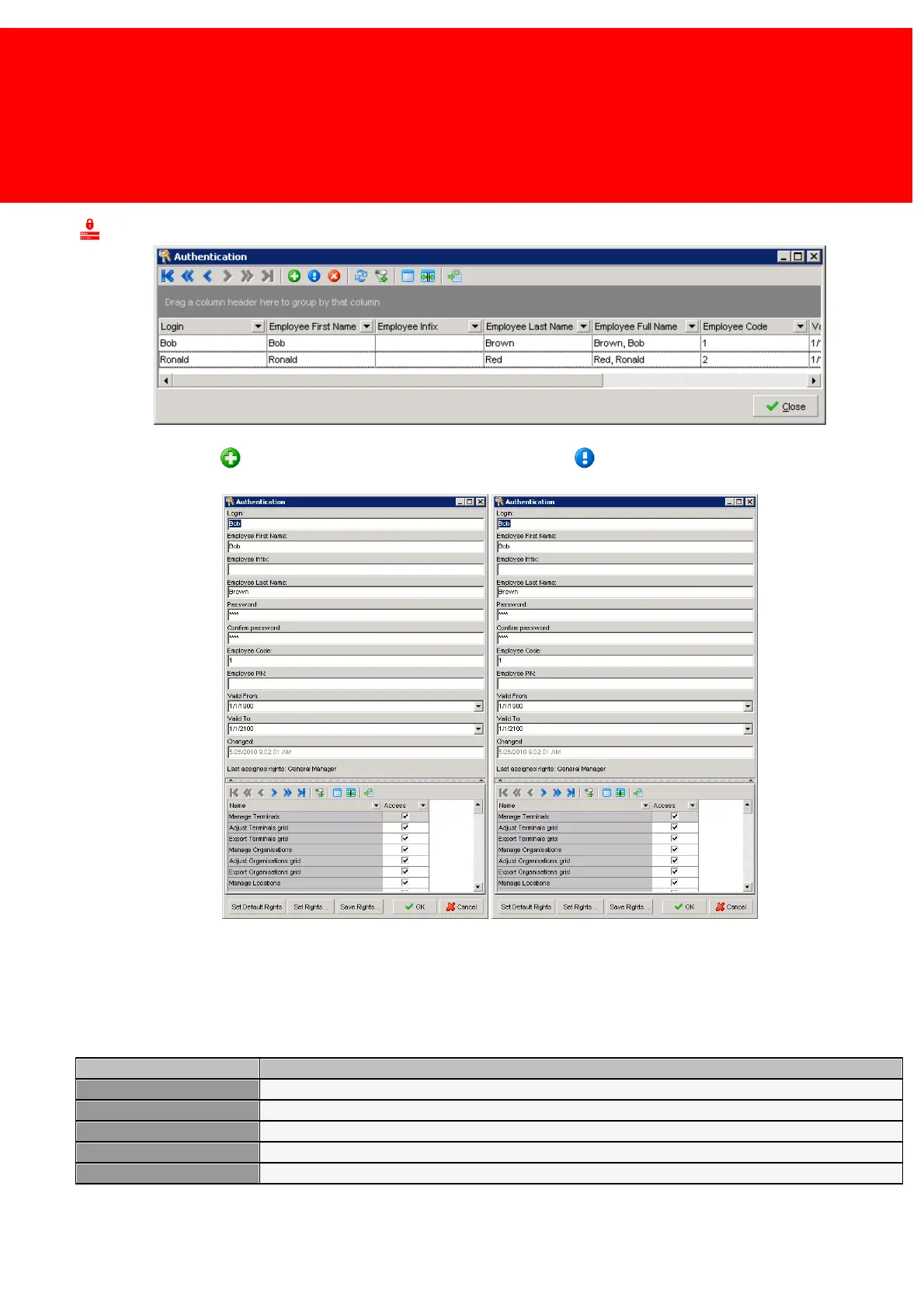
Press the Add button to open the new / insert menu or the Edit button to edit already existing data:
Login is the name the employee will use to log in on the Inepro Back Office Manager.
The First Name, Infix, Last Name and the password fields are self explanatory. The Employee Code and Employee PIN are
used for PosPRO employees. So if the employee should also be able to access one or more PosPRO tills, his credentials
should be submitted here.
On the bottom these buttons are visible:
Choose a template from the default templates.
Copy Template from existing template, and enable or disable rights per module.
Save current selected rights as a new template.
Confirm changes and close window.
Abort changes and close window.



 To Next Page