45
Define
Photo
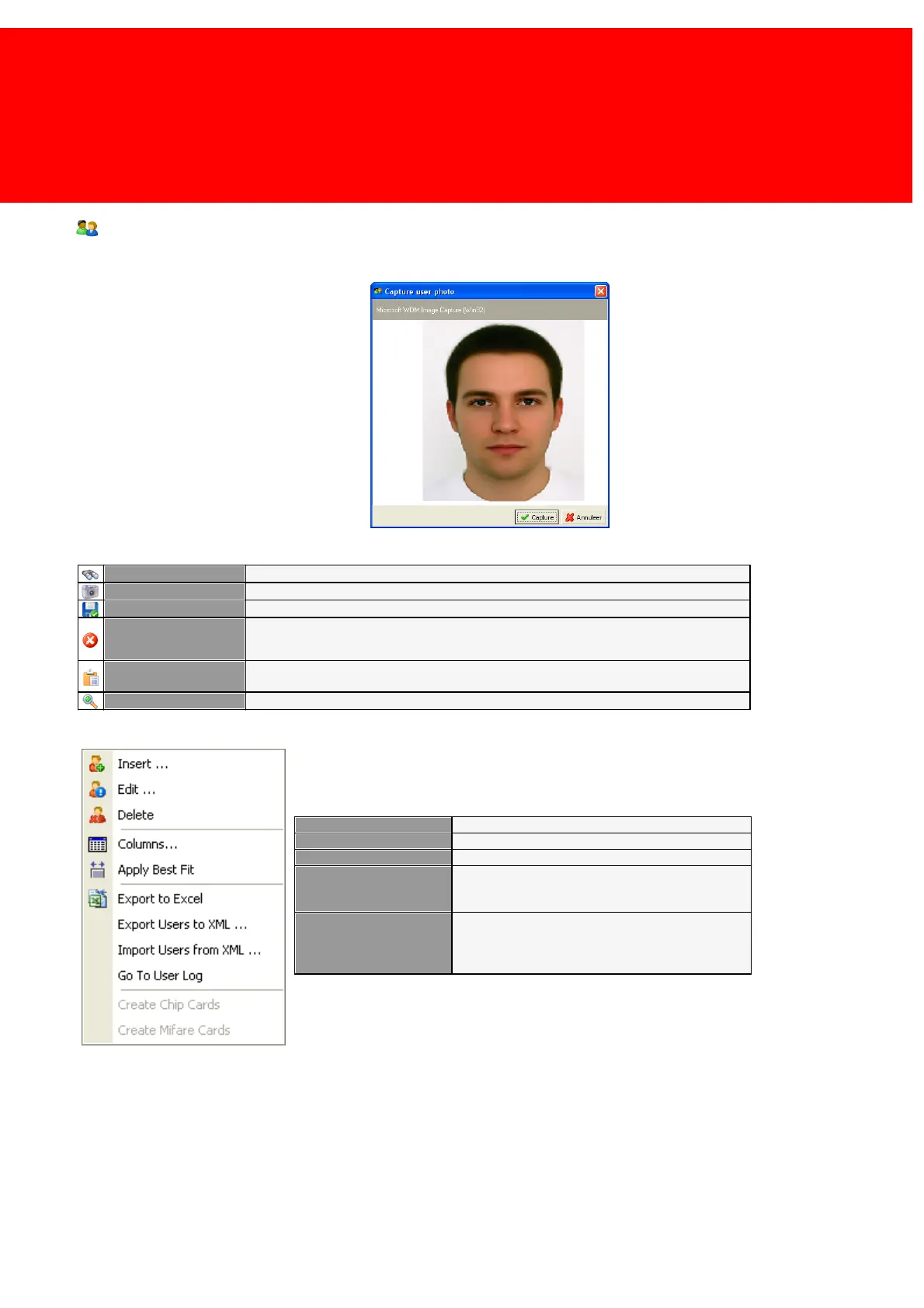
In the photo field a picture can be loaded. This is accomplished by right-clicking the photo area to enter the context menu
(left-clicking will show an example of the picture).
Capture photo
Load a photo from a file on the current hard disk(s). Select a photo on the hard disk.
Capture a photo using a webcam. Press 'Capture' when the photo is satisfactory.
Save the photo to a location on the disk. Select a location on the hard disk.
Copy the photo to the Windows clipboard. Paste it again in Paint or any other image
editor.
Show the picture in the resolution it is stored in.
Context Menu
Export the selected Users to a XML file
Import the Users in this XML file
If a card printer with a chip card reader is available,
chip cards can be created that are added to the
database just before printing.
If a card printer with a Mifare card reader is
available, Mifare cards can be created that are
added to the database just before printing. (An
ECOS SAM is required to create Mifare cards).



 To Next Page