53
Define
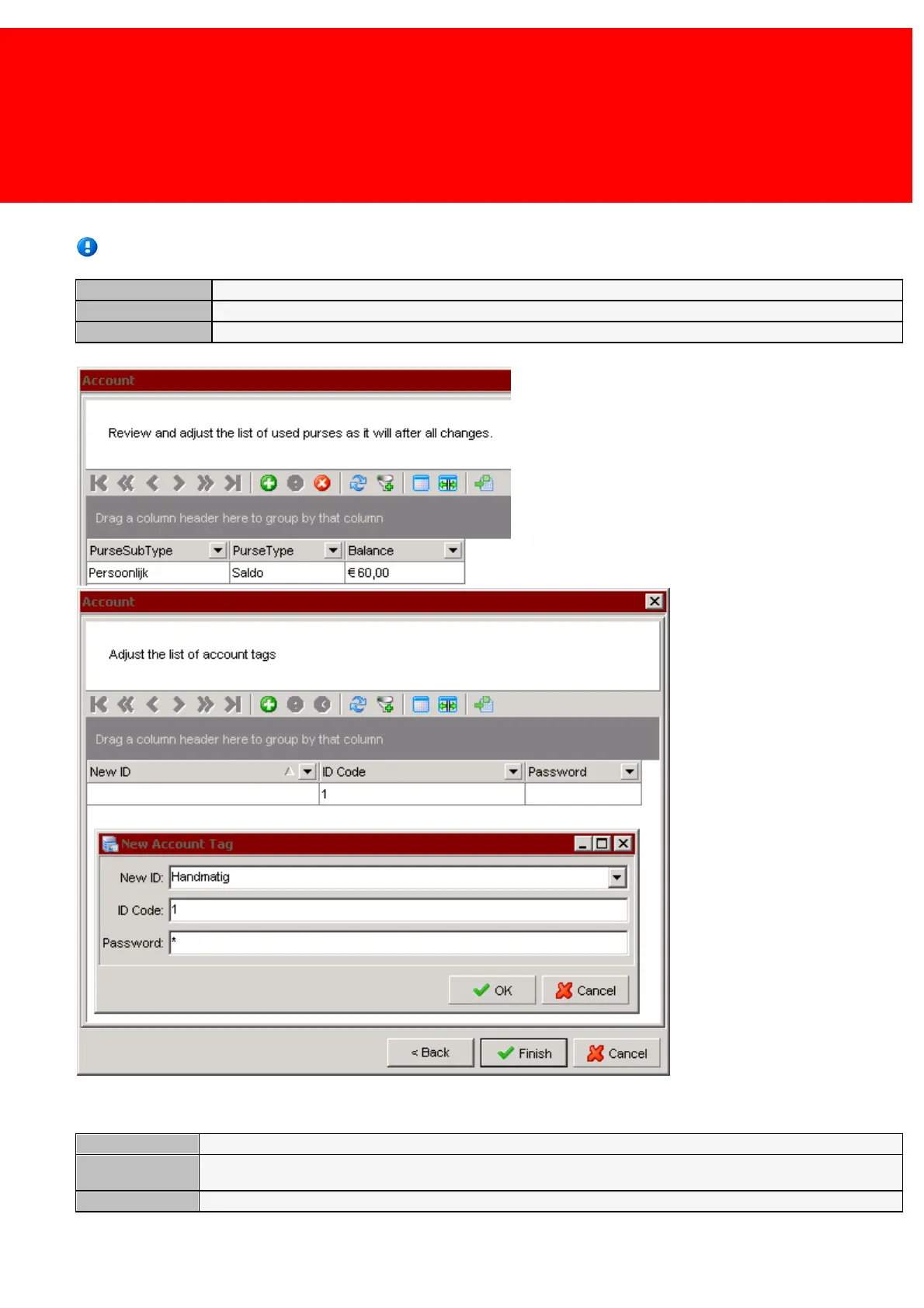
Second screen (Purses):
The field 'Purse Sub Type' consist of the Purse Type and the Purse Sub Type, for example 'Balance' + 'Personal', where
'Balance is the 'Purse Type', and 'Personal' the 'Purse Sub Type'.
What is the target use of the budget
Is it a balance or a unlimited budget?
Purses on the Account
Third screen (tags):
The tag type; this can be Mifare, a manual code, or any supported tag technology
The code that identifies the tag (best not the insert this manually, but automatically by not entering this dialog but
presenting the tag to the administrative terminal).


 To Next Page
 Loading...