73
Define
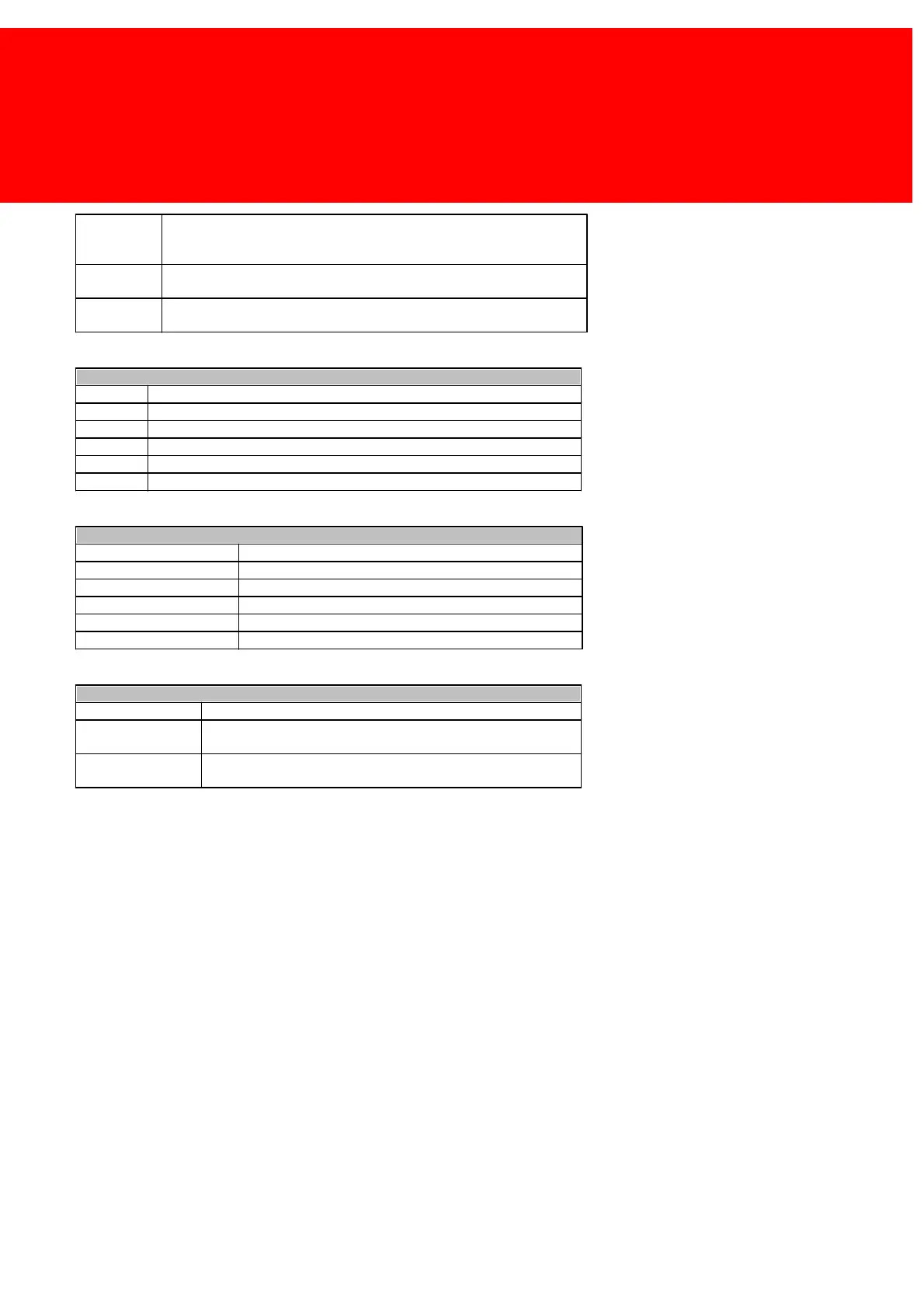
Acknow ledge or Decline will show a message w ith an 'OK' and 'Cancel'
button. The user can stop the action by pressing 'Cancel'. The job will then
not be printed.
Notify w ill show the user a message notifying him of the applied rule. In the
mean w hile the action is executed.
No message is show n to the user. The user is not informed about the
applied rule.
The job properties are greater then or smaller then the following properties
The job properties are equal to the follow ing properties
The job properties are smaller then the follow ing properties
The job properties are smaller then or equal to the follow ing properties
The job properties are greater then the follow ing properties
The job properties are greater then or equal to the follow ing properties
The number of pages in the job
The size of the spool file (in kilobytes)
The size of the paper (A4, letter, ledger, envelope No.10)
Is it a colour job? (Don't care, true or false)
Is it a duplex (tw o-sided) job? (Don't care, true or false)
The name of the document printed
The rule only applies to this department
The description of this rule (Use this to describe in the manager
w hat this rule is supposed to do)
Show this message to the user depending on the confirm type (it
w on't be shown if the confirm type is set to silent)
It should now be possible to create all kinds of sets that will govern the flow of the print jobs.



 To Next Page