76 - Inepro Back Office Suite
Steps
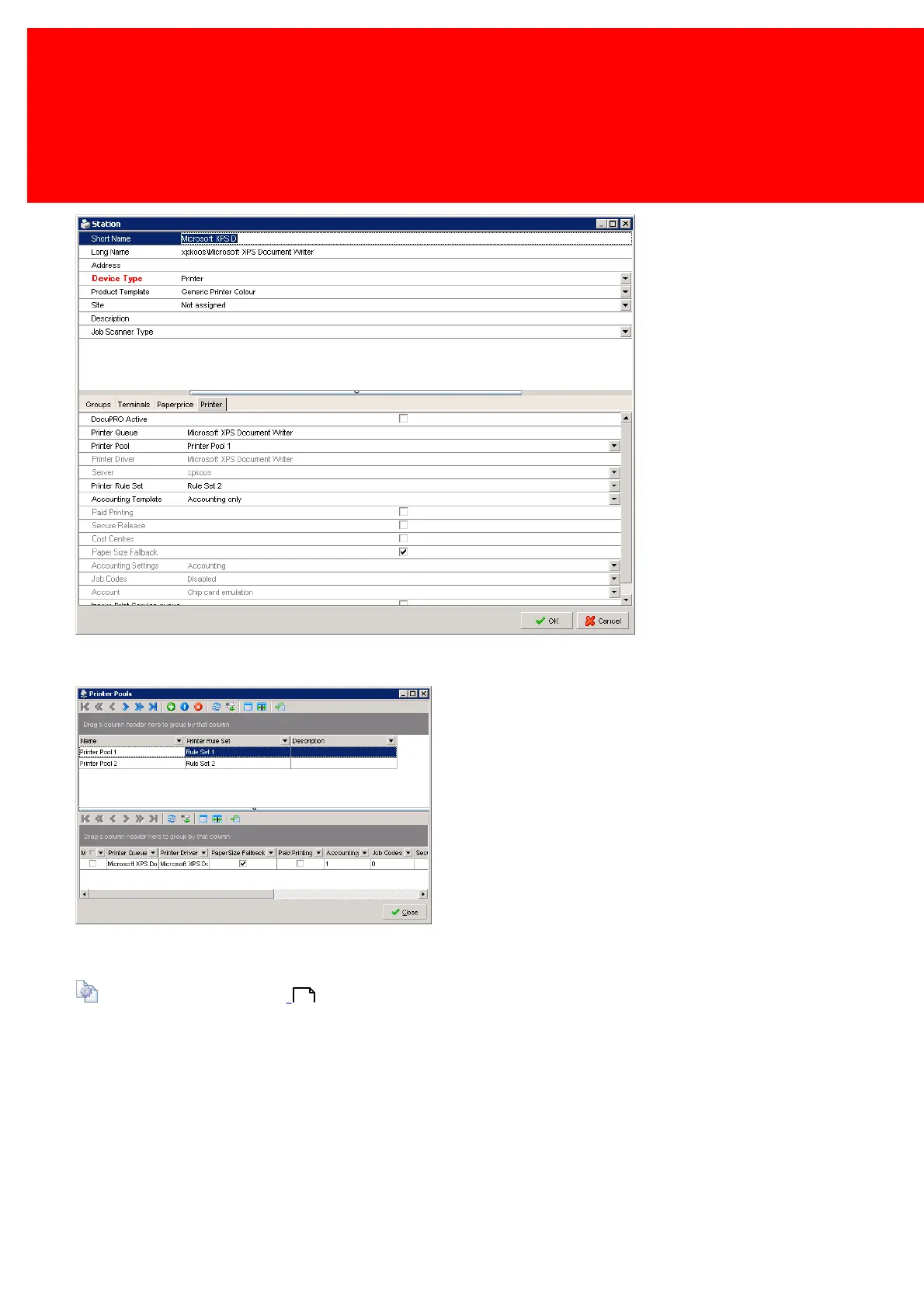
Go to the printer or multifunctional in the DocuPRO devices and link the printer pool to the printer.
An additional Printer Rule set may be added.
When retuning to the Printer Pool window, the printer in the area below is shown.
Configuring the printer will treated in this section:
Configure Printers on page: .
188



 To Next Page