Home Food Library Power/Backlight
10
Errors, Advisories, and Hazard Alarms
112
• Incorrect test procedure. For
example, putting blood on the
test strip before inserting the
test strip into the meter, or
applying blood before the
Blood Drop and Test Strip
symbols display.
• Problem with the test strip.
• Problem with the meter.
1. Be sure you see the Blood Drop and Test Strip sym-
bols on the display screen before you apply blood or
control solution.
2. Conduct a control solution test using a new test strip.
If the results of the control solution test are within the
range printed on the side of the test strip vial, retest
using blood and a new test strip.
3. If the control solution test does not work or the error
persists, call Customer Support at 800-591-3455
(from outside the United States, 781-457-5098).
• Problem with the test strip.
• Problem with the meter.
1. Conduct a control solution test using a new test strip.
If the results of the control solution test are within the
range printed on the side of the test strip vial, retest
using blood and a new test strip.
2. If the control solution test does not work or the error
persists, call Customer Support at 800-591-3455
(from outside the United States, 781-457-5098).
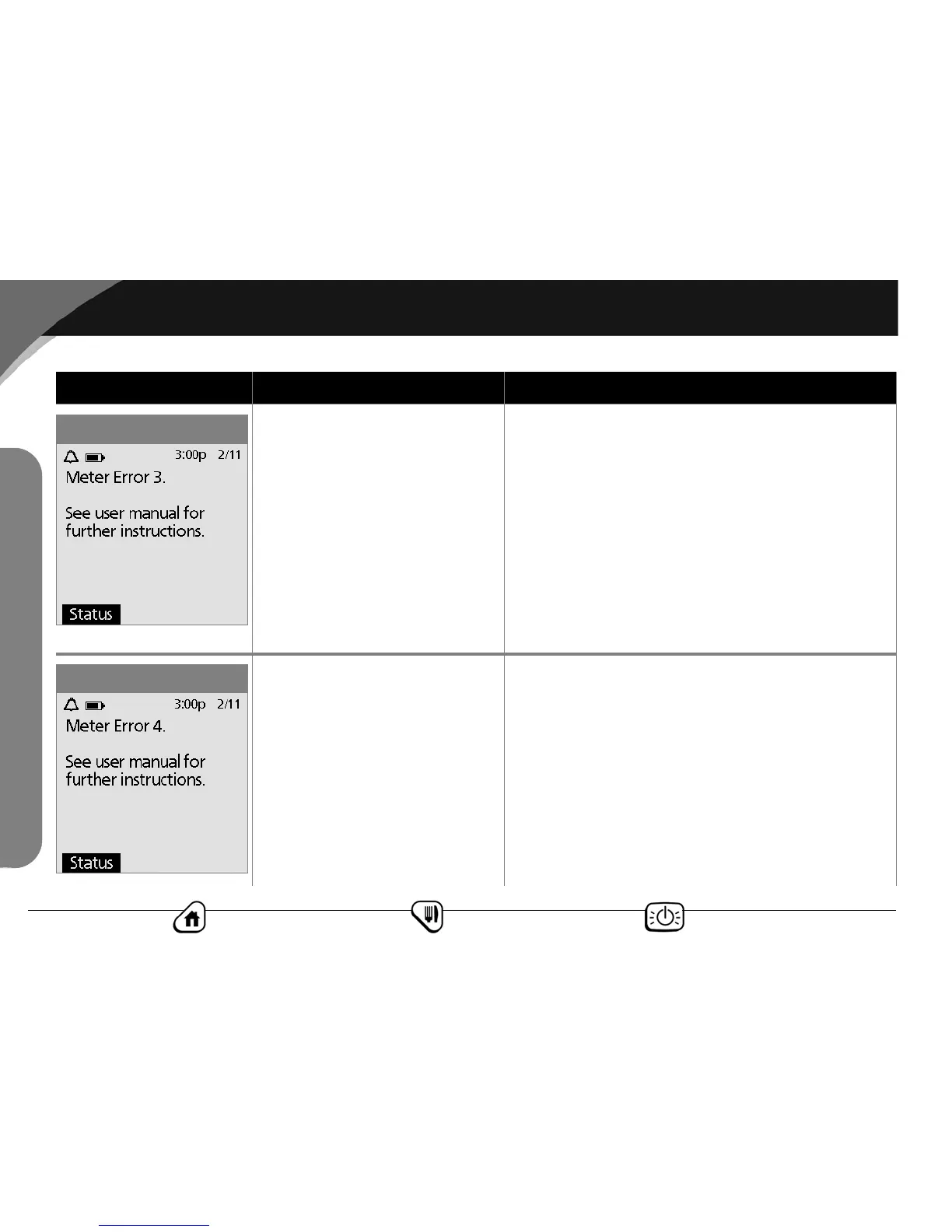
Error message Possible causes Action
Meter Error 3
Meter Error 4
Error Messages



 To Next Page