Up/Down Controller User Info/Support Blood Glucose Records
Using the Personal Diabetes Manager
6
67
Reset PDM (soft reset): Restores all settings in the PDM to the
factory defaults.
Diagnostic options
1. On the Home screen, use the Up/Down Controller button
to choose Settings, then press Select.
2. Choose System setup, then press Select.
3. Choose Diagnostics, then press Select.
To check alarms
1. Choose Check alarms, then press Select.
2. Press OK. The PDM beeps three times. If a pod is active, it then
beeps three times.
To reset the PDM
1. Choose Reset PDM, then press Select.
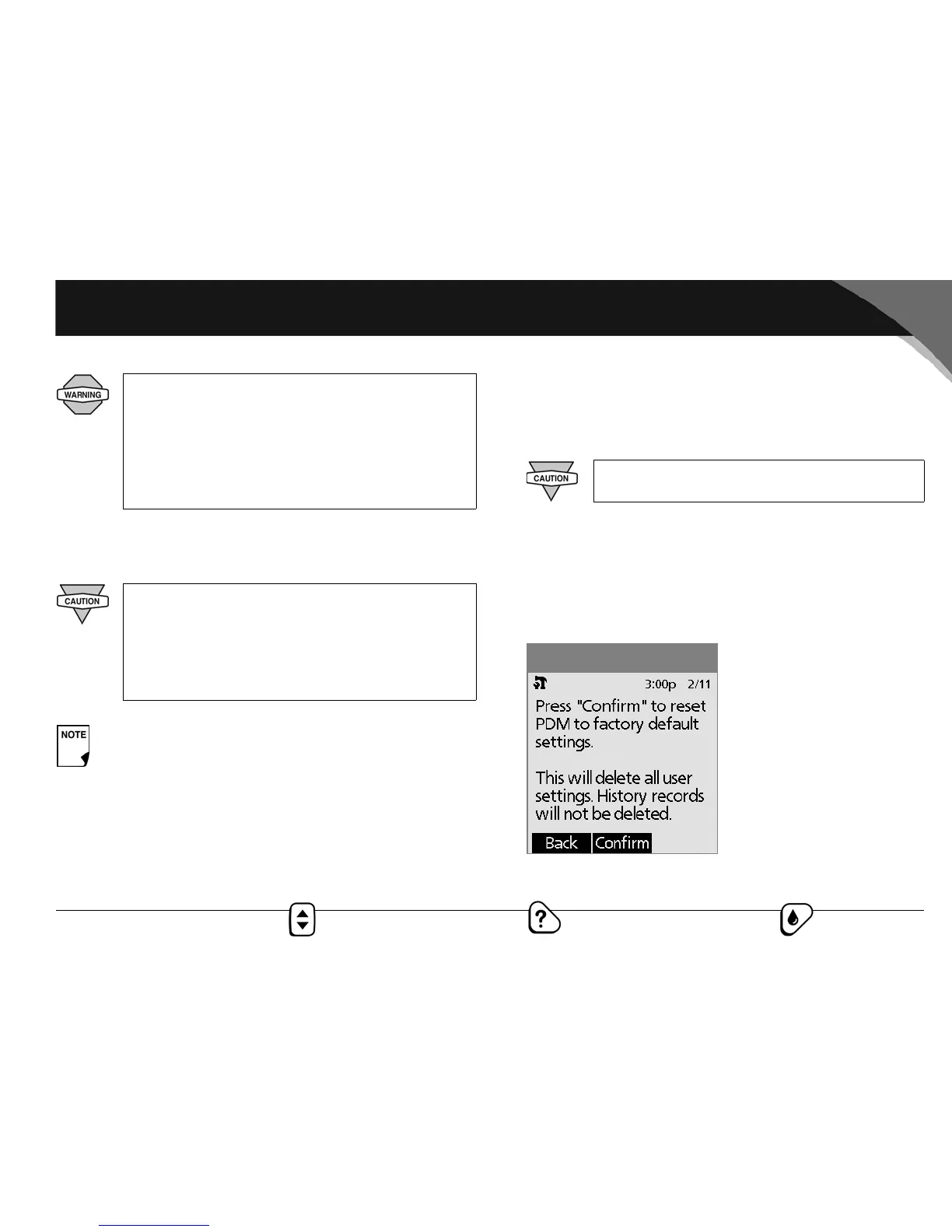
2. If the pod is deactivated, the PDM asks for confirmation and
reminds you that you will lose all user settings (Figure 6-14).
Press Confirm to reset the PDM.
If the PDM fails to beep, immediately call Customer
Support at 800-591-3455 (from outside the United
States, 781-457-5098). If a pod is active and fails to
beep, change the pod immediately (see Chapter 5,
Using the OmniPod). Continued use of the System
when this occurs could put your health and safety at
risk.
Resetting the PDM deletes all basal programs, temp
basal presets, carb presets, bolus presets, and all sug-
gested bolus settings. Before you use this feature
and delete these settings, be sure you have a written
record of the information you need. History records
will not be deleted.
As a safety feature, you cannot reset the PDM when a
pod is active. You must first deactivate the pod.
Check the alarm function at every pod change.
Figure 6-14



 To Next Page