Home Food Library Power/Backlight
10
Errors, Advisories, and Hazard Alarms
114
■ Advisory Alarms
Advisory alarms tell you about a condition that requires your
attention. Each advisory alarm beeps intermittently. When you
hear an advisory alarm, first turn on the PDM to display the
Status screen. The PDM communicates with the pod, if
necessary, and the screen displays a message describing the
alarm and how to resolve it.
Some advisory alarms are controlled by levels you set in the
Settings screen. One example is the level at which the Low
reservoir volume alarm sounds.
All advisory alarms are time-sensitive and require a response.
Some advisory alarms escalate to hazard alarms if you do not
respond within a certain time period (as noted in the table
below).
Alarm Source Beep Pattern Action
Pod 2 sets of beeps every minute for 3 minutes.
Repeats every 60 minutes until acknowl-
edged.
Escalates to hazard alarm when empty. See
“Hazard Alarms” later in this chapter.
Press OK to acknowledge.
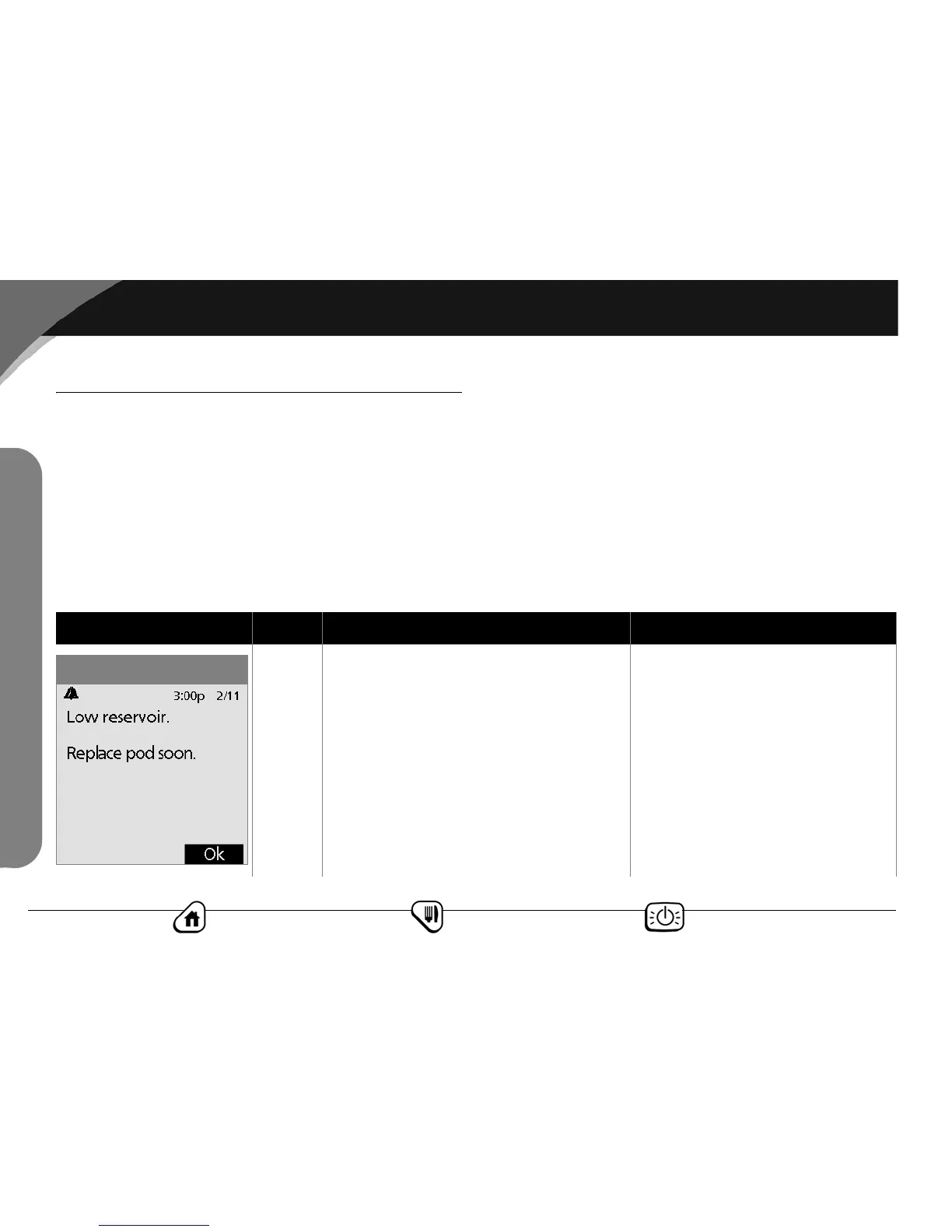
Low reservoir volume
(based on volume selected by user)
Advisory Alarms



 To Next Page