Home Food Library Power/Backlight
6
Using the Personal Diabetes Manager
64
■ Change Blood Glucose Meter Settings
You can reset the blood glucose (BG) meter, including:
• BG lower and upper limit goals (for BG history)
• BG sound—Off or On
Change meter settings
1. On the Home screen, use the Up/Down Controller button
to choose Settings; then press Select.
2. Choose System setup, then press Select.
3. Choose BG meter, then press Select.
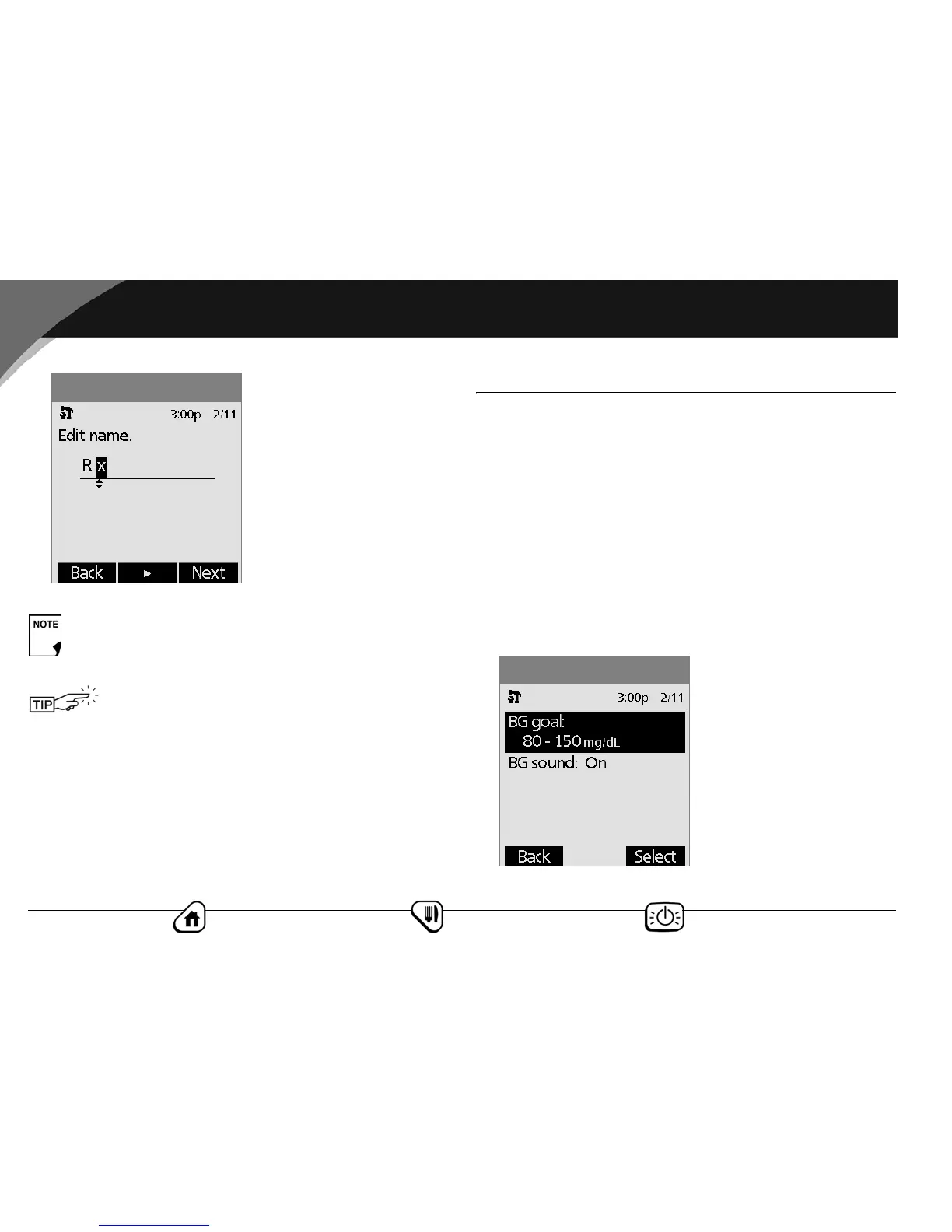
4. Choose the meter setting you want to change (Figure 6-11),
then press Select.
Custom alerts will repeat every 15 minutes until
acknowledged.
You can change or delete alerts and reminders at
any time.
Figure 6-10
Figure 6-11



 To Next Page