Home Food Library Power/Backlight
8
Record Keeping
88
■ Insulin Delivery History Records
The PDM stores:
• Basal rates (including any rate changes and temporary basals)
• Bolus doses (both normal and extended)
• Dates, times, and how long insulin delivery was suspended,
and dates and times when it was resumed
• Total daily doses (basal plus boluses) by date
The PDM can store over 5,000 records or approximately 90 days’
worth of information. Once the memory is full, new information
begins to replace the oldest information.
View insulin delivery records
1. On the Home screen, use the Up/Down Controller button
to choose My records, then press Select.
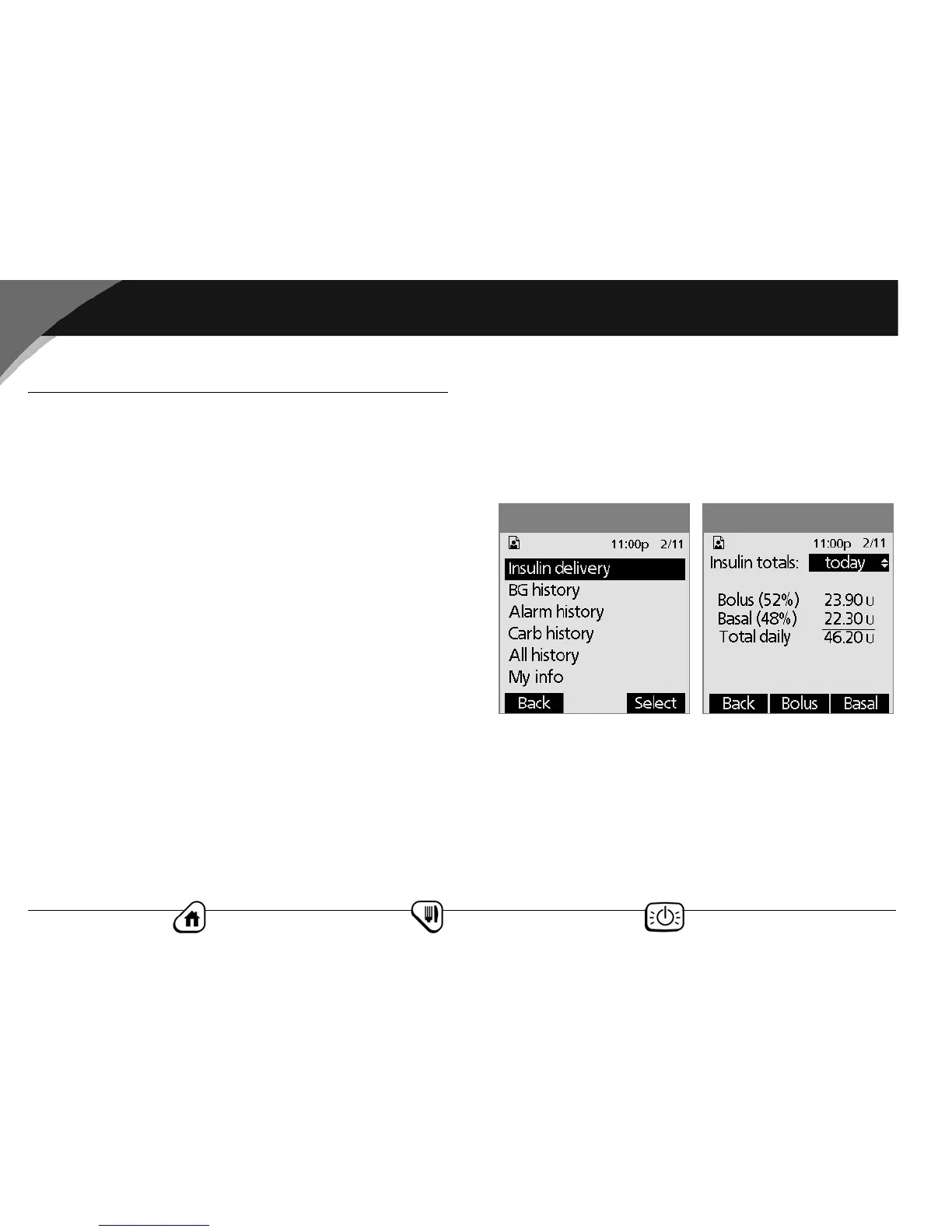
2. Choose Insulin delivery, then press Select (Figure 8-1).
The PDM displays a summary of today’s information,
including total daily dose delivered, total boluses delivered
and total basal amount delivered (Figure 8-2). Press the
Up/Down Controller button to view the summary for
previous days.
Figure 8-2Figure 8-1



 To Next Page