Home Food Library Power/Backlight
6
Using the Personal Diabetes Manager
68
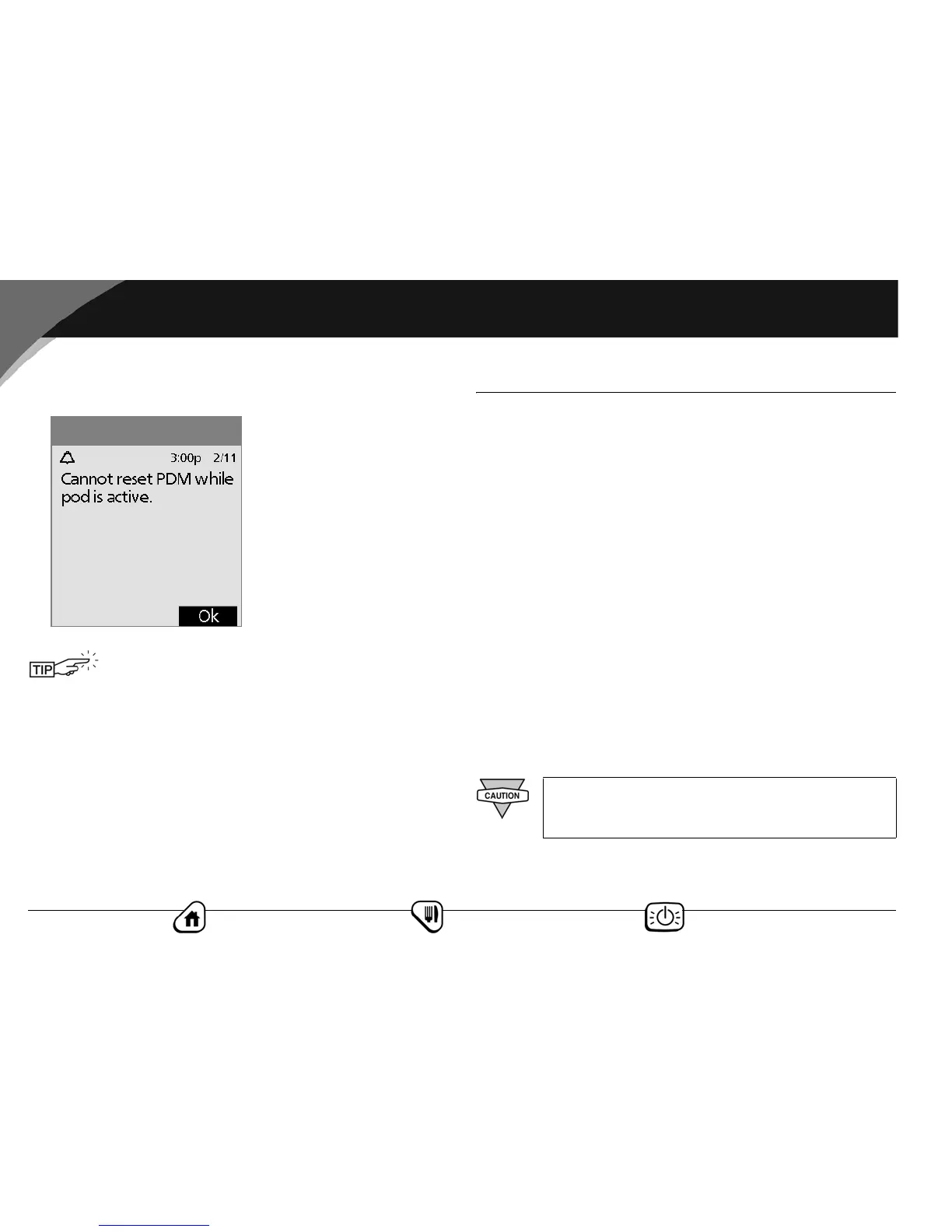
If the pod is still active, you will be unable to reset the PDM
(Figure 6-15). Press OK to return to the Diagnostics menu.
■ Get the Most from Your PDM
Keep it handy
Wireless communication technology means you don’t have to
keep the PDM right next to the pod for the pod to work. Once
you set your basal program, the pod continues to deliver your
basal program 24 hours a day, regardless of the location of the
PDM. However, you still need the PDM to deliver a bolus, change
the basal rate, reference a food item, and so on. You can store the
PDM conveniently inside an article of clothing (like a shirt
pocket) or put it discreetly into a drawer, briefcase, or purse.
Communicating with the pod
When you use the PDM to communicate with the OmniPod,
hold the PDM within 24'' (61 cm) of the pod. If you wear the pod
on your abdomen, holding the PDM in your hands when press-
ing the buttons should be close enough.
Water and your PDM
The PDM is not waterproof. Do NOT place it in or near water.
Use the form at the end of this User Guide to write
down all your settings from the Setup Wizard. You
can also attach a copy of the CSII orders that you
used during your training session. If you ever need
to reset your PDM, having these settings handy will
make setup very easy.
Figure 6-15
Do NOT use IV Prep wipes, soap, detergent, or
solvents to clean the screen or any other part of the
PDM.



 To Next Page