Home Food Library Power/Backlight
7
Checking Your Blood Glucose
76
8. Remove the test strip.
If you remove the test strip before this step, you will still see
the available soft keys.
■ Performing a Blood Glucose Test
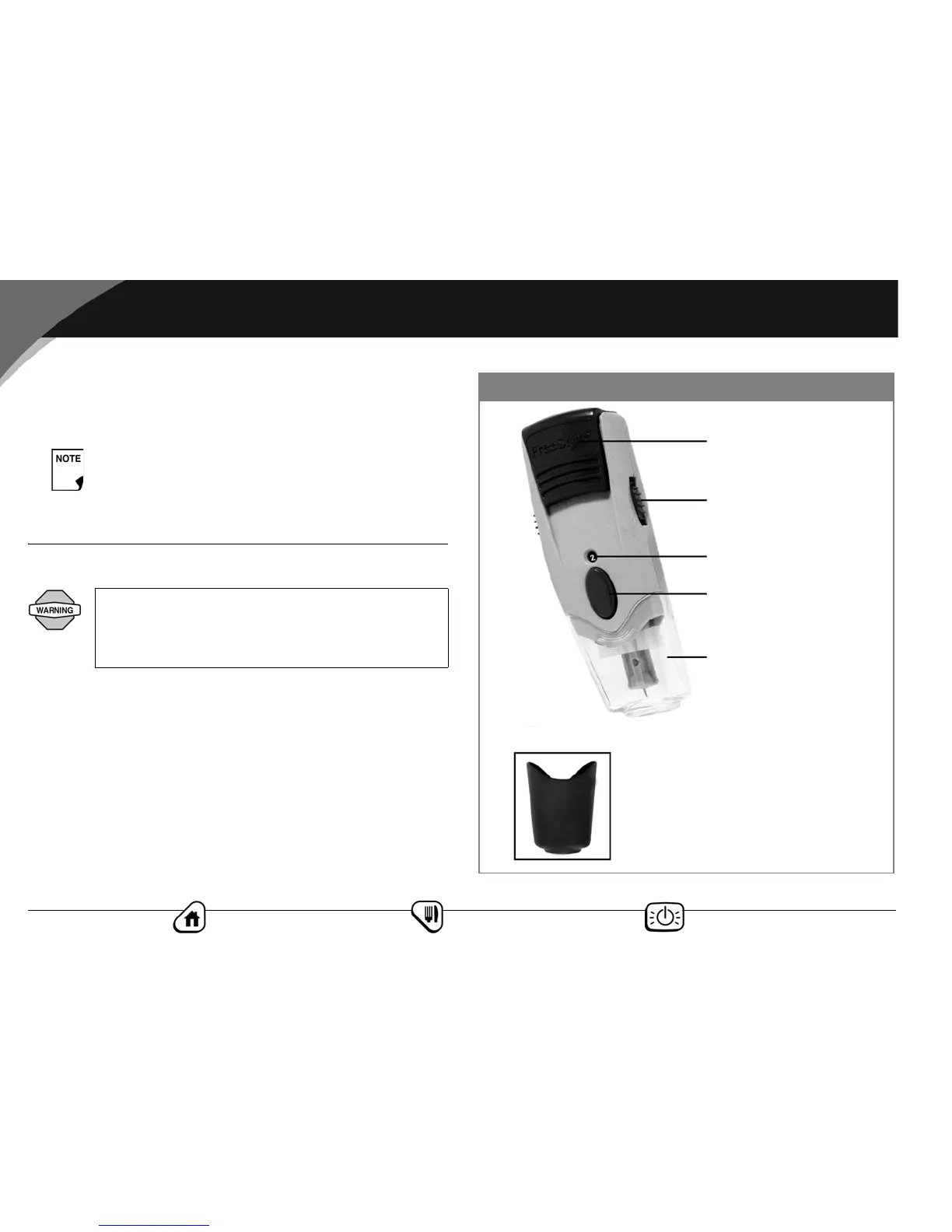
Figure 7-10 shows the parts of the FreeStyle® lancing device.
Be sure to discard used test strips. (You can only use
test strips once.)
To ensure accurate results, wash your hands and the
test site (for example, your forearm) with soap and
water. Do not leave any cream or lotion on the test
site. Thoroughly dry your hands and the test site.
Gray cap, for finger testing
Release button
Depth indicator window
Depth settings dial
Clear cap, for testing sites
other than the finger
Cocking handle
Figure 7-10



 To Next Page