Up/Down Controller User Info/Support Blood Glucose Records
Getting Started
2
15
Set extended bolus doses
1. To set the units for an extended bolus dose, choose % for per-
cent of the total bolus, or choose Units for units of insulin. To
turn off the extended bolus feature, choose Off. Then press
Next.
Set low reservoir alert
1. Choose the level of insulin in the reservoir at which the PDM
should give you an alarm. Choose from 10 to 50 units in 5-
unit increments, then press Next.
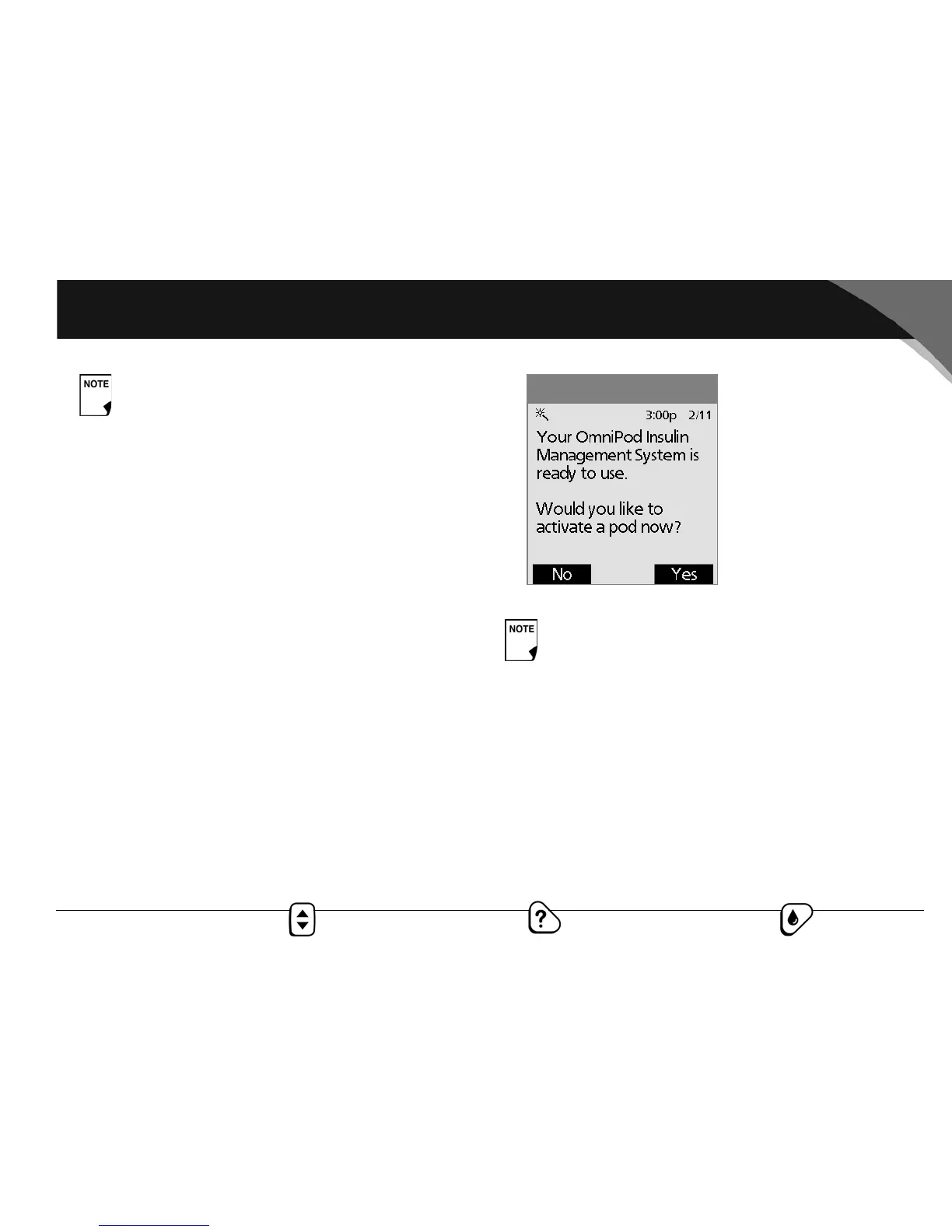
The PDM now asks whether you want to activate a pod
(Figure 2-4).
• Press Yes if you are ready to activate a new OmniPod. See
Chapter 5, Using the OmniPod, to learn how to activate a
new pod.
• Press No if you do not want to activate a pod at this time.
The PDM displays the Home screen.
Your healthcare provider will help you fill and apply your first
OmniPod. The process is easy because on-screen messages walk
you through every step. Please refer to Chapter 5, Using the
OmniPod, for detailed instructions.
The maximum bolus default is 10 units. Check with
your healthcare provider before adjusting these
settings.
You can press the Power/Backlight button to turn off
the PDM at any time during setup. Otherwise, it turns off
automatically after 3 minutes. If you do not complete the
entire setup within 60 minutes, when you turn on the
PDM again you will return to the beginning of the Setup
Wizard.
Figure 2-4



 To Next Page