Up/Down Controller User Info/Support Blood Glucose Records
Using the OmniPod
5
49
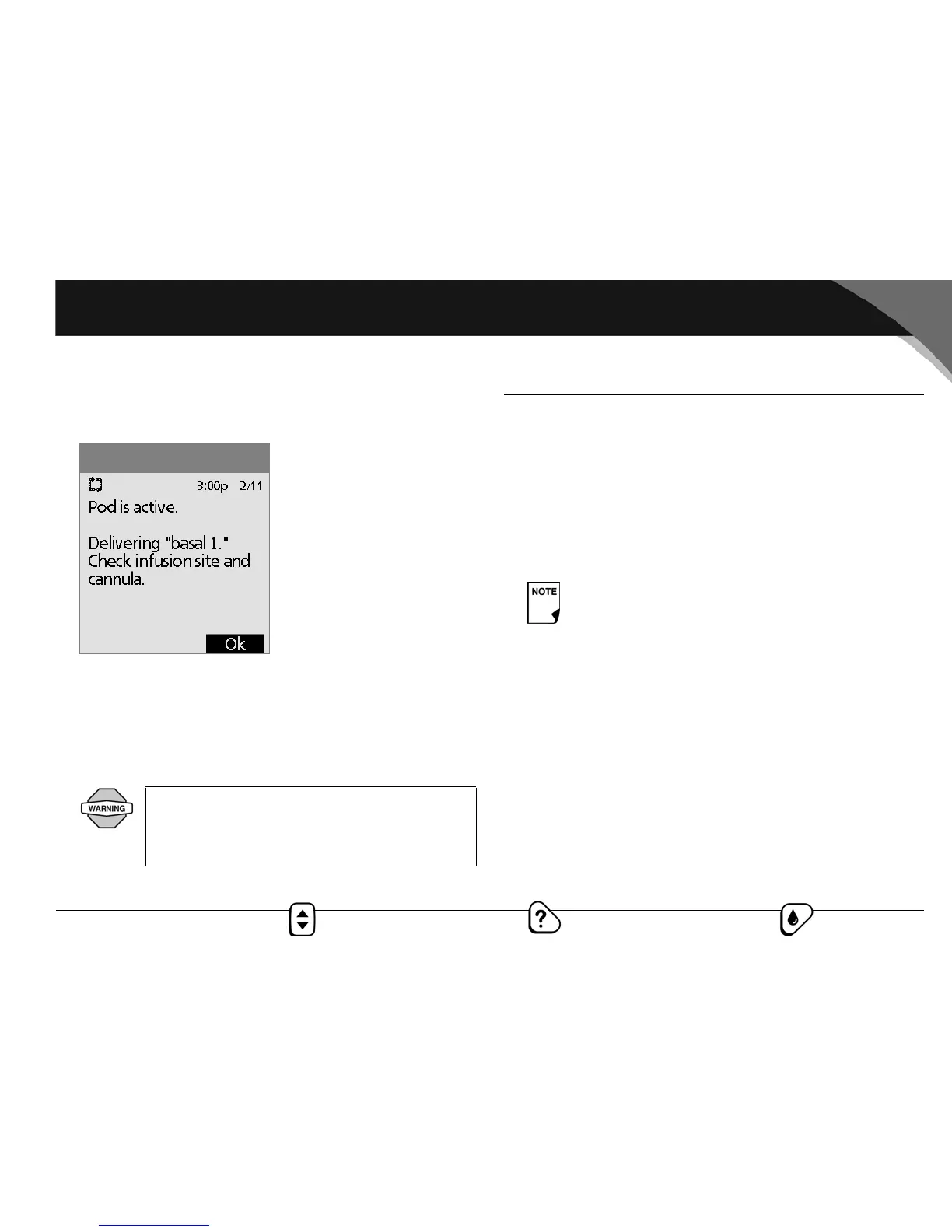
Once the soft cannula is inserted, the PDM indicates that the
pod is active and delivering insulin at the programmed basal
rate (Figure 5-17).
Figure 5-17 also displays a reminder to check the infusion site
and cannula. Make sure the pod is securely attached to your
skin. You can see the cannula through the small viewing
window on the pod.
2. Press OK to return to the Status screen.
■ Check Pod Status
To check pod status, press the Power/Backlight button to dis-
play the Status screen.
Or, from the Home screen, press Status.
The PDM automatically checks the status of the pod. The PDM
then displays the current reservoir volume, PDM battery level,
last blood glucose, last bolus dose, current basal program, and
any alarm conditions. See Chapter 6, Using the Personal Diabetes
Manager, for details of what you see on the Status screen.
If the pod goes into hazard alarm condition and the PDM is
unable to communicate with it to turn off the alarm, you can turn
it off manually. See the end of Chapter 11, Communication Fail-
ures, for instructions.
NEVER inject insulin (or anything else) into the
fill port while the pod is on your body. Doing so
may result in unintended or interrupted insulin
delivery.
Figure 5-17
Once a pod is activated and communicates with the
PDM, it can only receive commands from that PDM,
not from any other.



 To Next Page