Up/Down Controller User Info/Support Blood Glucose Records
Using the Personal Diabetes Manager
6
59
Ratios/factors/targets
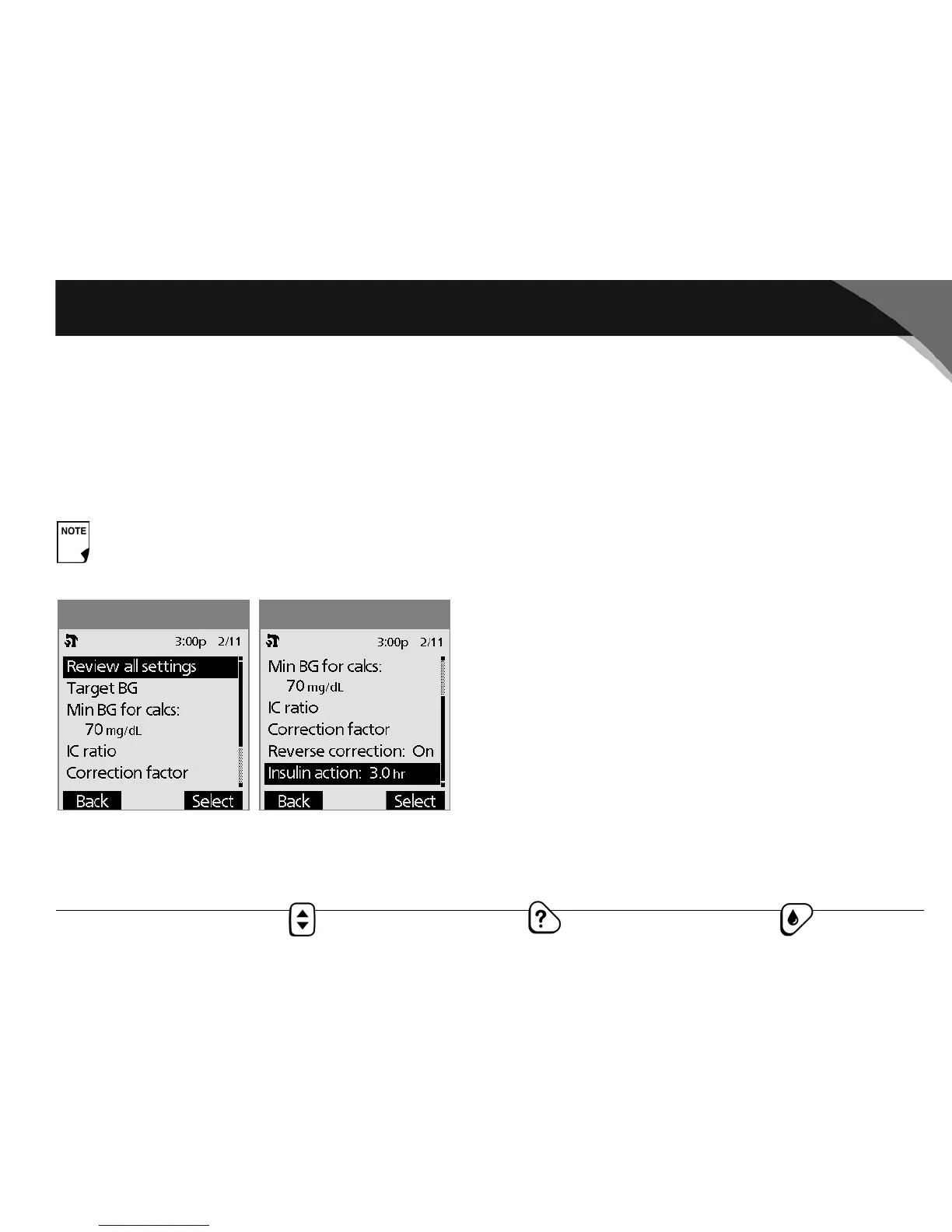
When the suggested bolus calculator is turned On, you can view
and change all the settings using the Ratios/factors/targets
menu option. Choose Review all settings, then press Select. Or
choose one setting from the menu, then press Select (Figure
6-8a and Figure 6-8b). The steps are the same whether you
choose all settings or individual ones.
1. Target BG and correct-above value—You can edit existing
segments and add segments, up to a total of four.
a. To edit an existing target BG time segment, choose the
segment, then press Edit. Use the Up/Down Controller
button to choose a new start time, end time, target BG
value, and correct-above value (correction threshold).
Press Next after each entry.
b. To add a segment, choose [add new], then press New.
Use the Up/Down Controller button to choose a start
time, end time, target BG value, and correct-above value
(correction threshold). Press Next after each entry.
c. When you have completed all the time segments you
want, press Done, then Save.
2. Min BG for calcs (minimum blood glucose value allowed for
calculating boluses)—Use the Up/Down Controller button
to enter a new minimum BG, then press Enter.
3. Insulin to carb (IC) ratio—You can edit existing time seg-
ments and add segments, up to a total of four.
a. To edit an existing IC ratio time segment, choose the seg-
ment, then press Edit. Use the Up/Down Controller but-
ton to choose a new start time, end time, and IC ratio.
Press Next after each entry.
b. To add a segment, choose [add new], then press New.
Use the Up/Down Controller button to choose a start
time, end time, and IC ratio. Press Next after each entry.
When the suggested bolus calculator is turned Off, the
Ratios/factors/targets option does not appear in the
Bolus/basal/calcs menu.
Figure 6-8bFigure 6-8a



 To Next Page