Up/Down Controller User Info/Support Blood Glucose Records
Checking Your Blood Glucose
7
81
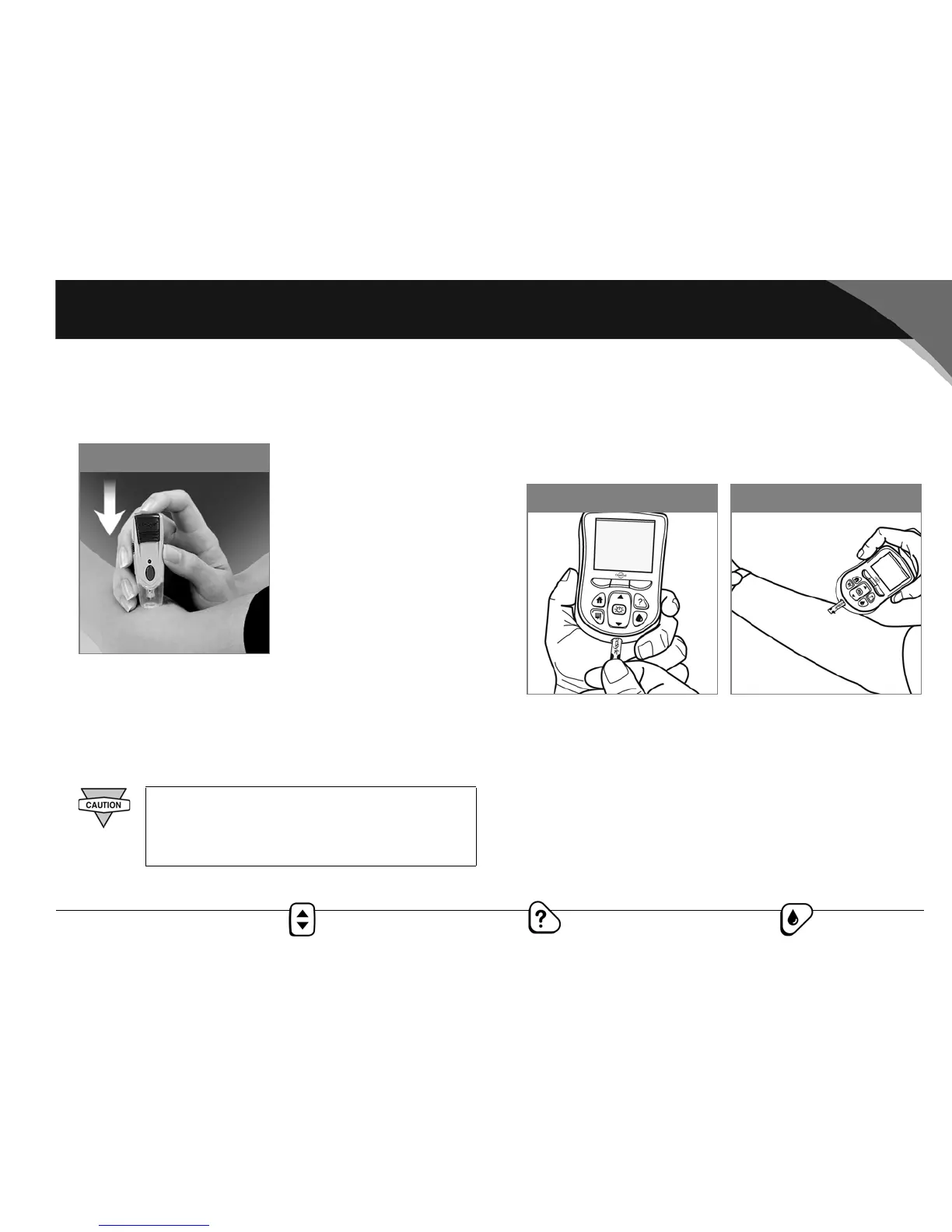
4. Depress the release button. Do not lift up the lancing device;
instead, continue to hold it and gradually increase pressure
for several seconds (Figure 7-25).
5. While holding the lancing device on your test site, look
through the clear cap. The blood sample should be about the
size of a pinhead.
6. Lift the lancing device straight up; be careful not to smear the
blood sample on your test site.
Fill the blood glucose test strip with blood
1. Make sure that the strip is in the PDM and the PDM is pow-
ered on. If the PDM has powered off, take out the strip and
reinsert it, or simply press the Power/Backlight button to
turn on the PDM (Figure 7-26).
2. Bring the strip to the blood sample at a slight angle (Figure
7-27).
Avoid lancing areas with obvious veins or moles,
to avoid excess bleeding. Also avoid lancing
areas where tendons or bones stick out (for
example, hand bones and ankle bones).
Figure 7-25
Figure 7-27Figure 7-26



 To Next Page