Home Food Library Power/Backlight
6
Using the Personal Diabetes Manager
62
• Bolus delivery started
• Bolus delivery completed
• Extended bolus started
• Extended bolus completed
• Temporary basal rate started
• Temporary basal completed
Choose Off or On. The default setting is On.
Custom alerts: Displays text reminders that you enter, at times
that you select. You can choose to receive an alert Daily, One
time only, or Off. You can change or delete these custom alerts
at any time.
Set alerts and reminders
1. On the Home screen, use the Up/Down Controller button
to choose Settings, then press Select.
2. Choose System setup, then press Select.
3. Choose Alerts/reminders, then press Select.
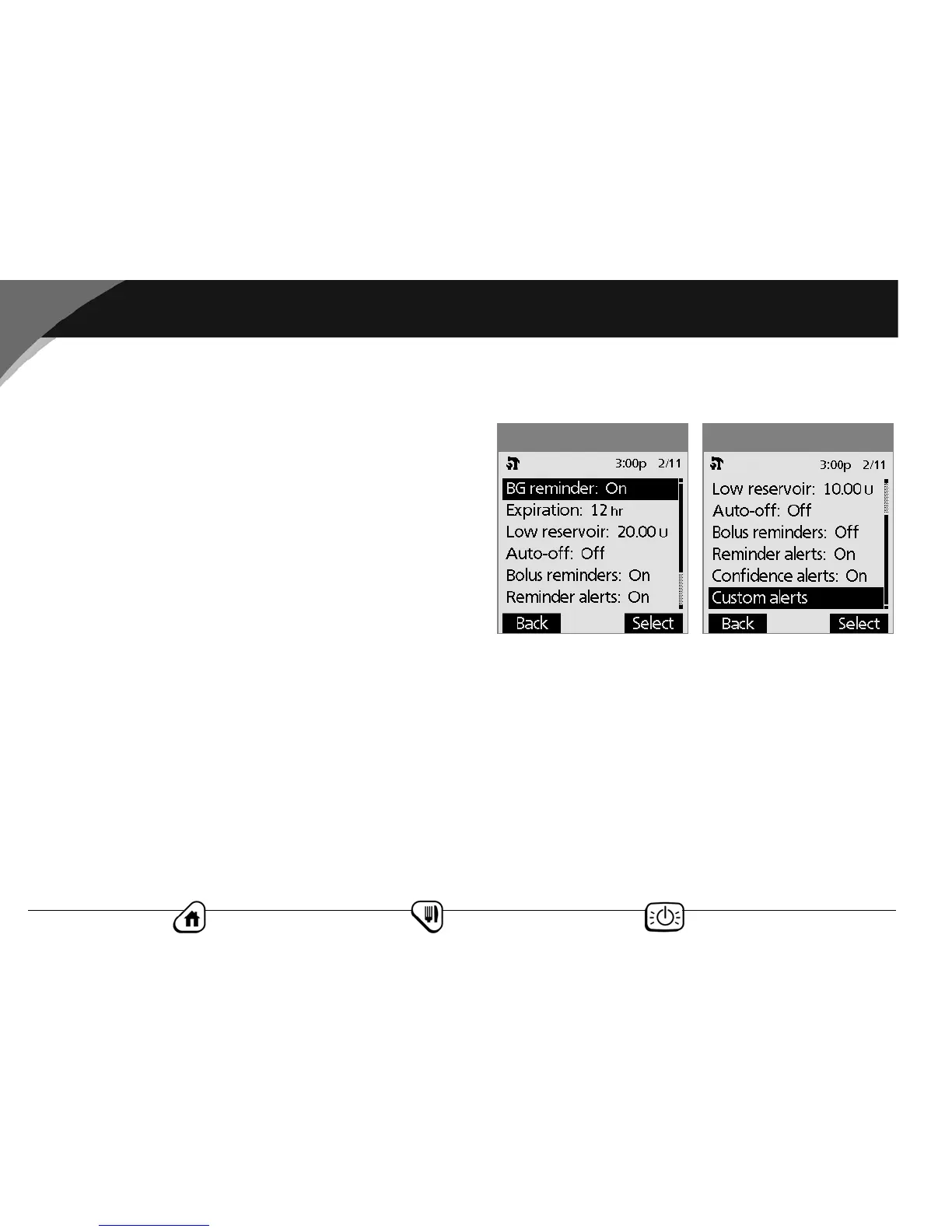
4. Choose the reminder or alert you want to set (Figure 6-9a and
Figure 6-9b), then press Select.
5. For all except Bolus reminders and Custom alerts, choose
the desired option or set the desired value, then press Select
or Enter.
6. For Bolus reminders
• Use the Up/Down Controller button to choose Off or
On, then press Select.
•If you chose On, you are taken to a new screen where you
can add, edit or delete reminders:
Figure 6-9bFigure 6-9a



 To Next Page