Up/Down Controller User Info/Support Blood Glucose Records
Communication Failures
11
123
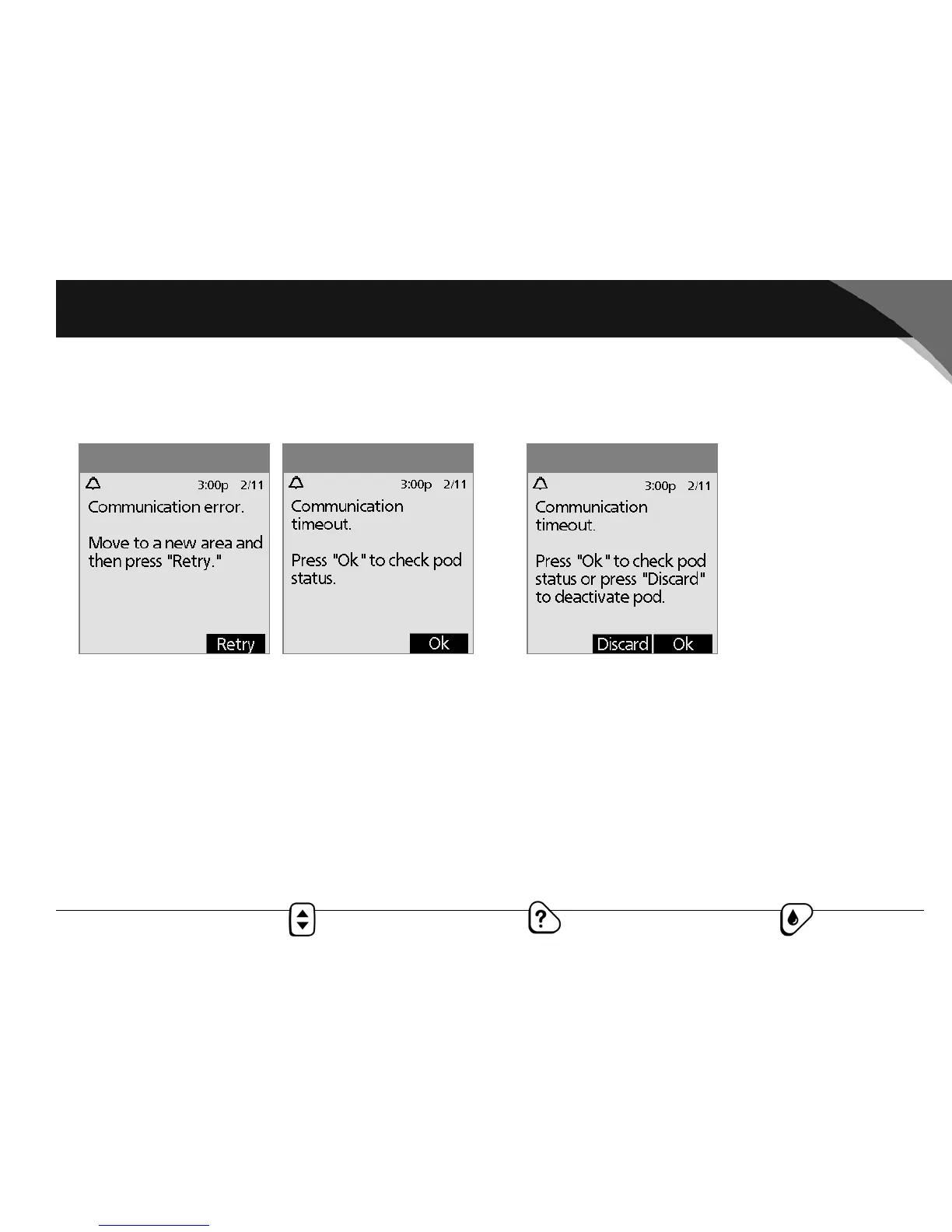
1. Move the PDM close to the pod. The PDM will try to com-
municate with the pod again. If communication still fails, you
will see the message in Figure 11-2.
2. Move across the room or to a different room. Then press
Retry.
a. If you press Retry within 2 minutes, the PDM tries to
communicate with the pod again. If it cannot communi-
cate, it displays the same screen as in Figure 11-1, then
finally the “Communication timeout” screen (Figure 11-3).
Press OK to check the pod status.
b. If the status check fails, you will see Figure 11-4. Press OK
to try checking pod status again, or press Discard to
begin the deactivation process.
Figure 11-3Figure 11-2 Figure 11-4



 To Next Page