Up/Down Controller User Info/Support Blood Glucose Records
Your New OmniPod Insulin Management System
1
7
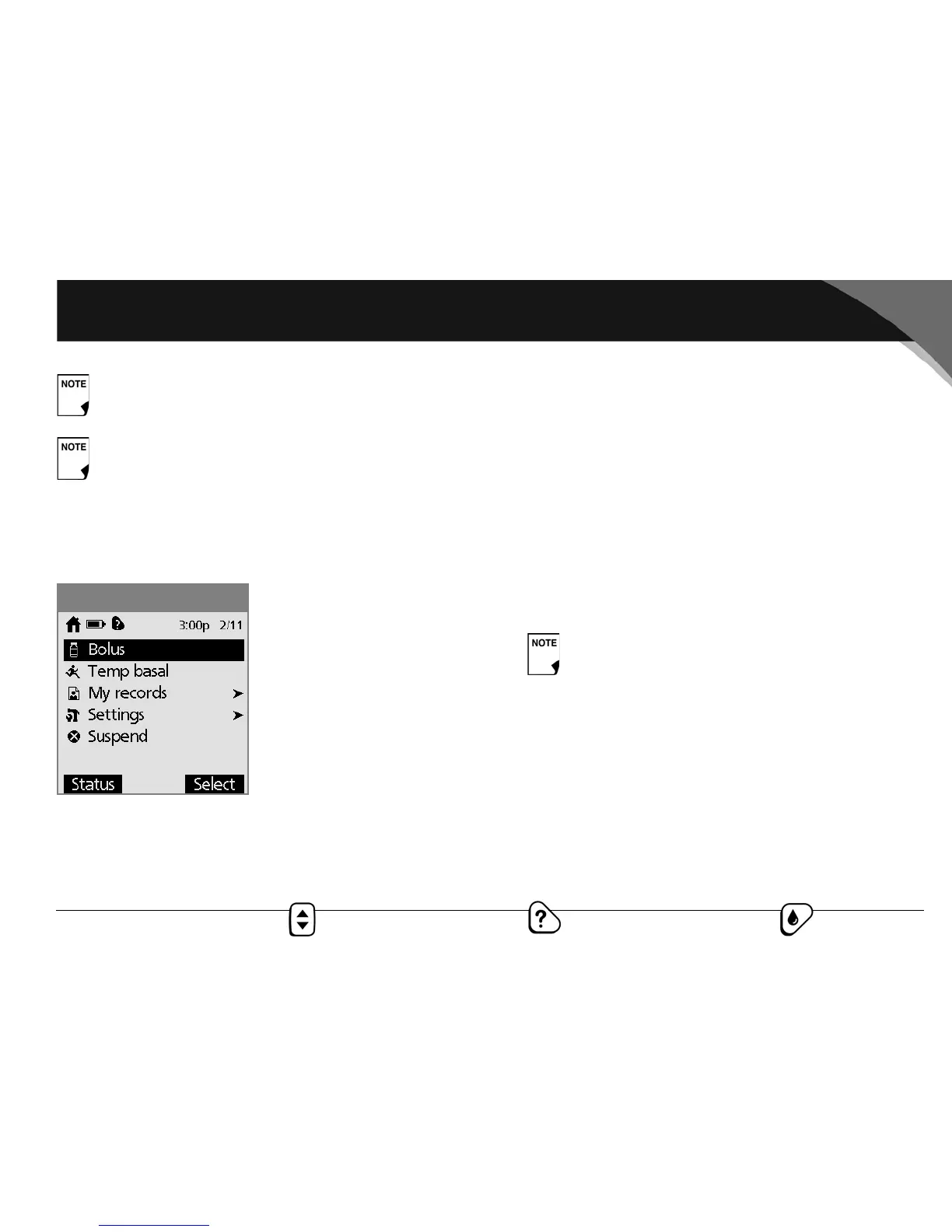
Home screen
Lists all the major menus (Figure 1-5).
• Bolus menu to deliver bolus doses
• Temp basal menu to deliver temporary basal rates (This
submenu does not appear if Temp basal is turned Off in
Settings.)
• My records menu to review insulin delivery, blood glucose
history, alarm history, carb history, and personal user informa-
tion
• Settings menu to change the pod, set and name basal
programs, program carb, temp basal and bolus presets, and
customize System settings
• Suspend menu to suspend, cancel, or resume insulin
delivery programs
If insulin has been suspended, only the pod expiration
time and date appear on Status screen 2.
If an OmniPod has not yet been activated (as during pod
changes), the screen displays “No active pod. Would you
like to activate a pod now?” (See Chapter 5, Using the
OmniPod, for details on activating a pod.)
You can go to the Status screen at any time by press-
ing the Status button from the Home screen.
Figure 1-5



 To Next Page