90
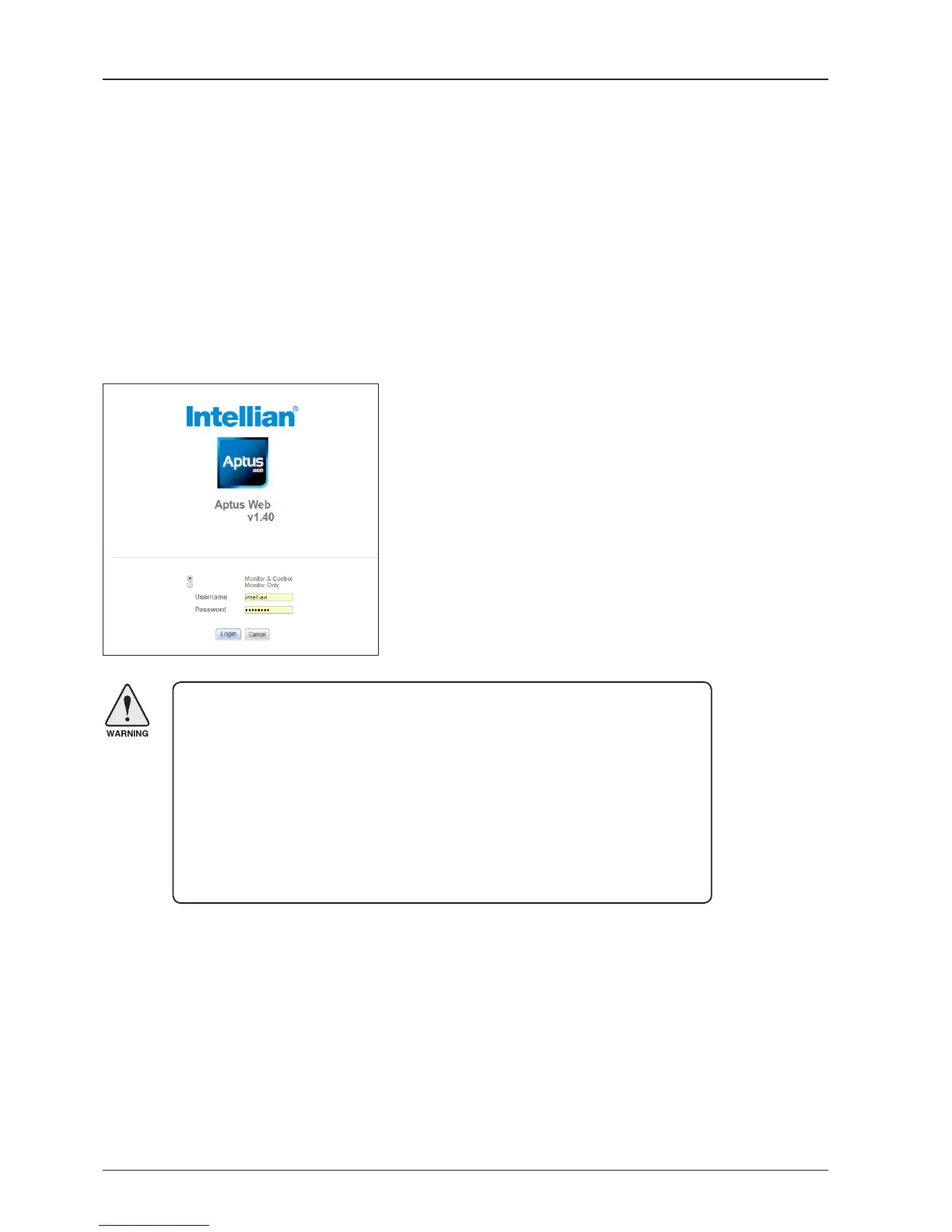
Page Login
1. Choose either to Control & Monitor the BDT (Control & Monitoring) or Only Monitor the BDT (Monitoring Only).
2. Log into the BDT by typing in User Name and Password information. If this system has not been changed from
the factory default:
• User Name: intellian
• Password: 12345678
Main Page
GX60
WARNING: The Control & Monitoring Mode will be switched to the Monitoring
Only Mode in the following cases;
• If Aptus is connected using TCP/IP Communication while Aptus Web Control
is in use.
• If Control & Monitoring Mode is accessed while PC Software is running via
TCP/IP Communication. In this case, the web page will display a pop-up
message asking if you want to disconnect the PC Software network
connection. If you select ‘No’, the Control & Monitoring Mode will be switched
to the Monitoring Only Mode.

 To Next Page
 Loading...










