Chapter 5 — Network Support
140 CK60 Mobile Computer with Windows Mobile User’s Manual
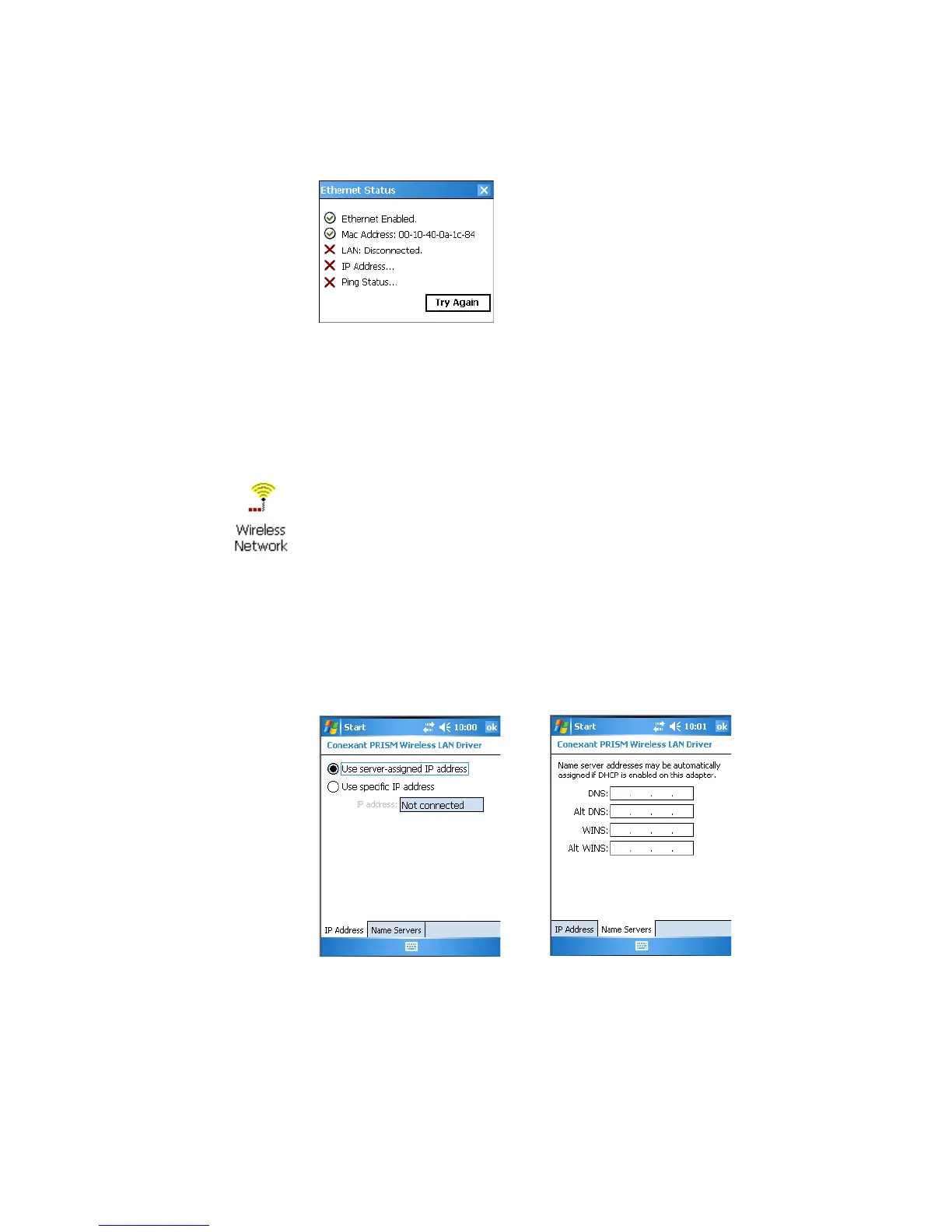
To view the status of the Ethernet communications
• Select Status > Ethernet from the iConnect menu for the following. Tap
Tr y Again to check the status after you make changes to the connection.
No Networking
When you select Enable > No Networking from the iConnect menu,
neither icon appears in the toolbar.
Wireless 802.11b Communications
To configure wireless 802.11b communications on the CK60
• Select Tools > Wireless Settings from the iConnect menu to access the
Profile Wizard for the 802.11a/b/g radio module.
To view information about the Wireless 802.11b communications
• Select Tools > Wireless IP Settings from the iConnect menu for the
following:
Note: You can configure wireless 802.11b communications through the
applet. Tap Start > Settings > the System tab > the Wireless Network
icon to access the Profile Wizard. Go to “Configuring Microsoft Security”
on page 159 for information.



 To Next Page