Chapter 10 — Adjustments
EasyCoder PF4i User’s Guide (IPL Version) 103
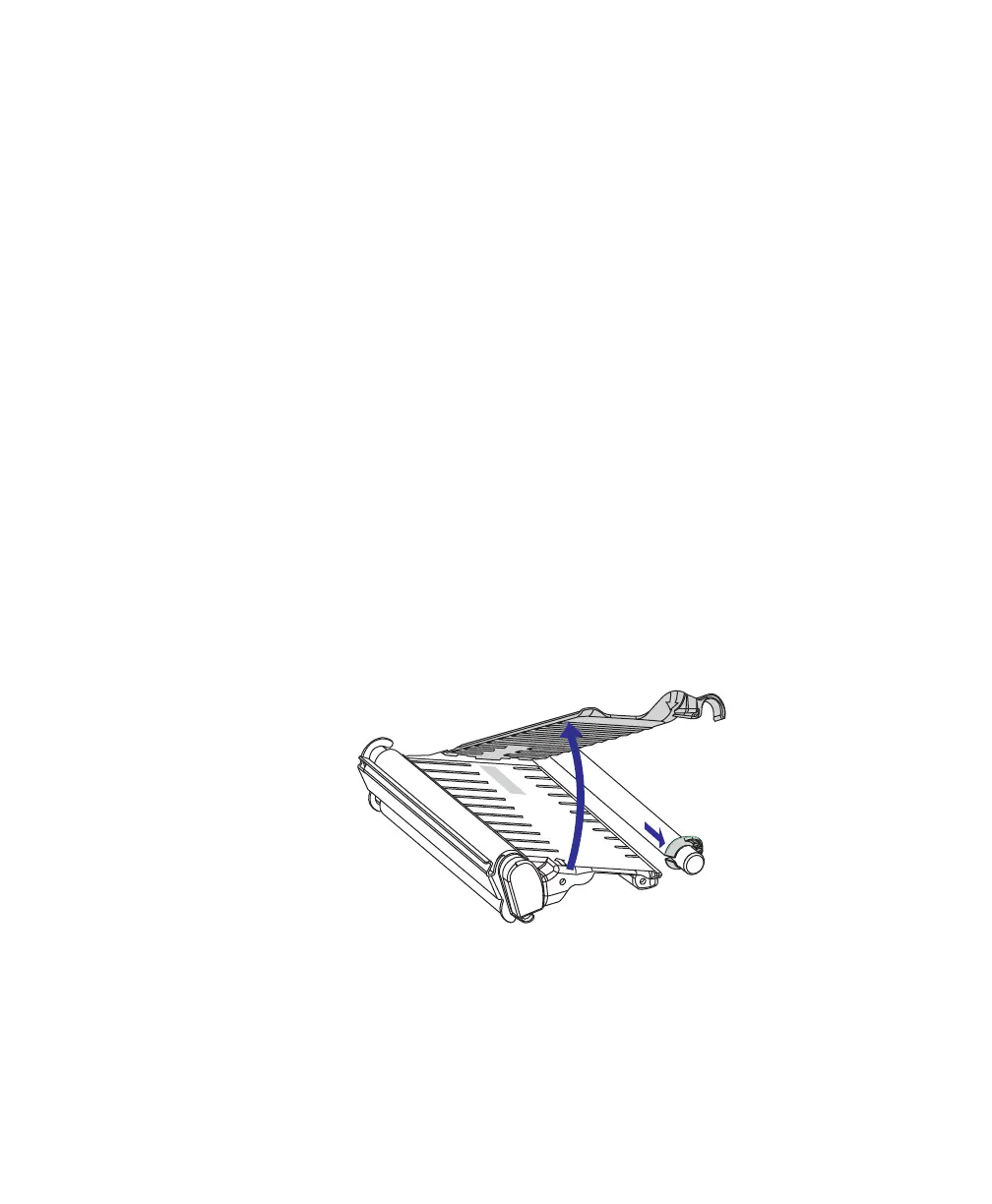
Installing the Quick-Load Guides
The Quick-Load guides may, depending on model, be factory-
installed or be enclosed in the box for optional installation by the
user. They replace the standard edge guide.
There are two types of Quick-Load Guide. The narrow type is
used with media that is 40-114.3 mm (1.57-4.5 inches) wide,
and the wide type is used for media between 80 and 114.3 mm
(3.15-4.5 inches). The inner guide should be fitted flush to the
center section, whereas the outer of the guide is adjustable for
various media widths.
The Quick-Load guides facilitate media load from behind the
print mechanism and help guiding the media when using an
external supply. Refer to Chapter 3, “Tear-Off with Quick-Load
(Straight Through)” on page 23 for loading instructions.
Quick-Load guides cannot be used for peel-off operation. The
standard ring-shaped edge guide is used when you want to load
the media from the side rather than from behind and is also used
for peel-off operation.
To install the Quick-Load Guides
1 Lift up the upper media guide and pull out the green edge
guide. Do not discard the edge guide.

















 To Next Page