Chapter 3 — Media Load
18 EasyCoder PF4i User’s Guide (IPL Version)
Tear-Off (Straight-Through)
The EasyCoder PF4i printer can print on labels, tickets, tags, and
continuous stock in various forms. This section describes the case
when the media is torn off manually against the printer’s tear bar.
This method is also known as “straight-through printing.”
Tear-off can be used for:
• Non-adhesive continuous stock
• Self-adhesive continuous stock with liner
• Self-adhesive labels with liner (gap or continuous stock)
• Tickets with gaps (gap stock), with or without perforations
• Tickets with black marks (mark stock), with or without
perforations
An optional label taken sensor can hold the printing of the next
copy in the batch until the present copy has been removed. For
more information, see “Label Taken Sensor” on page 71.
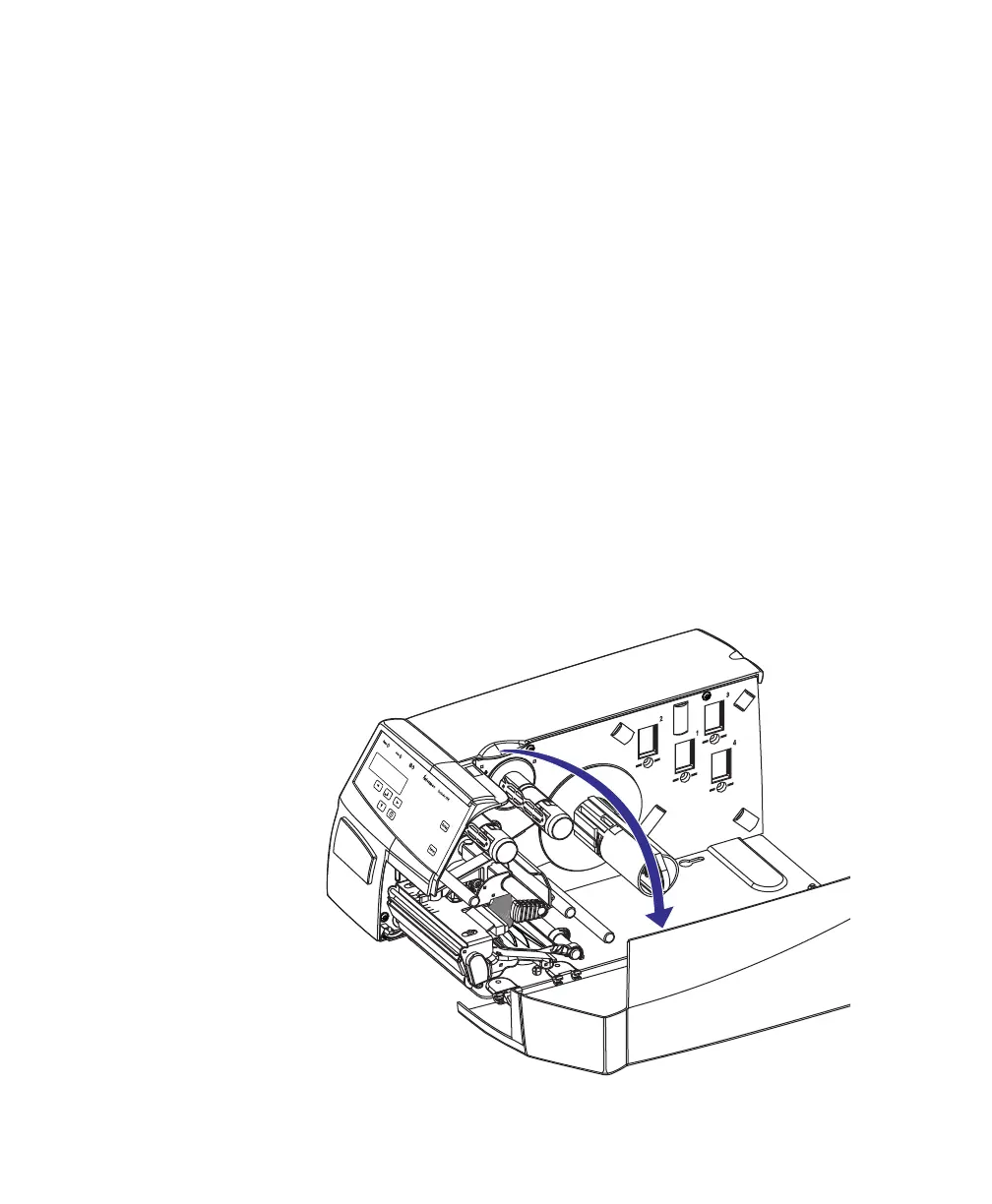
To load media for tear-off operation:
1 Open the side door.

















 To Next Page