Chapter 2 — Installation
EasyCoder PF4i User’s Guide (IPL Version) 13
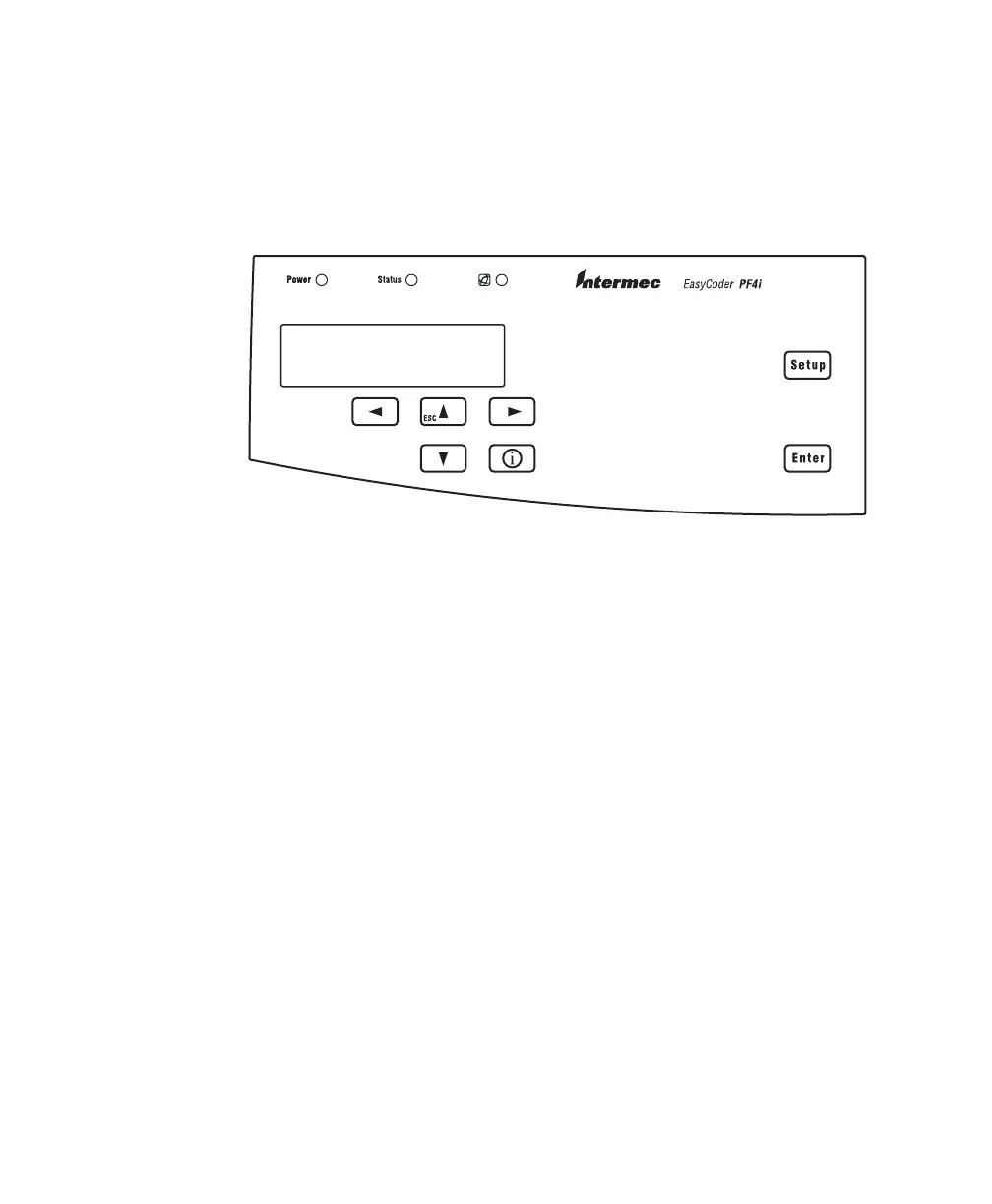
Controls and Indicators
The EasyCoder PF4i has several ways of communicating directly
with its operator: three colored indicator lamps, a display
window, a membrane-switch keyboard with 7 keys, a large Feed/
Pause button on the printer’s front, and a beeper.
Indicator Lamps
The indicators are colored LEDs (Light Emitting Diodes) and are
used for the following purposes:
• Power (solid green) indicates that the power is on.
• Status (solid green) indicates that the printer is ready for use.
• Status (flashing green) indicates that the printer is
communicating.
• Status (solid red) indicates an error condition. For more
information, see Chapter 8, “Troubleshooting” on page 73.
• Intermec Ready-to-Work Indicator
This blue light is part of an exclusive monitoring system from
Intermec. The Intermec Ready-To-Work Indicator helps users
quickly determine the readiness of the Intermec device. It has
three different states: On, Blinking, and Off. When off, the
device is not ready to operate. When blinking, the device may
be initializing, waiting for external resources, or in need of
user attention. When on, the device is ready for use as part of
a solution. For more information, see Chapter 8,
“Troubleshooting” on page 73.

















 To Next Page