Chapter 3 — Media Load
38 EasyCoder PF4i User’s Guide (IPL Version)
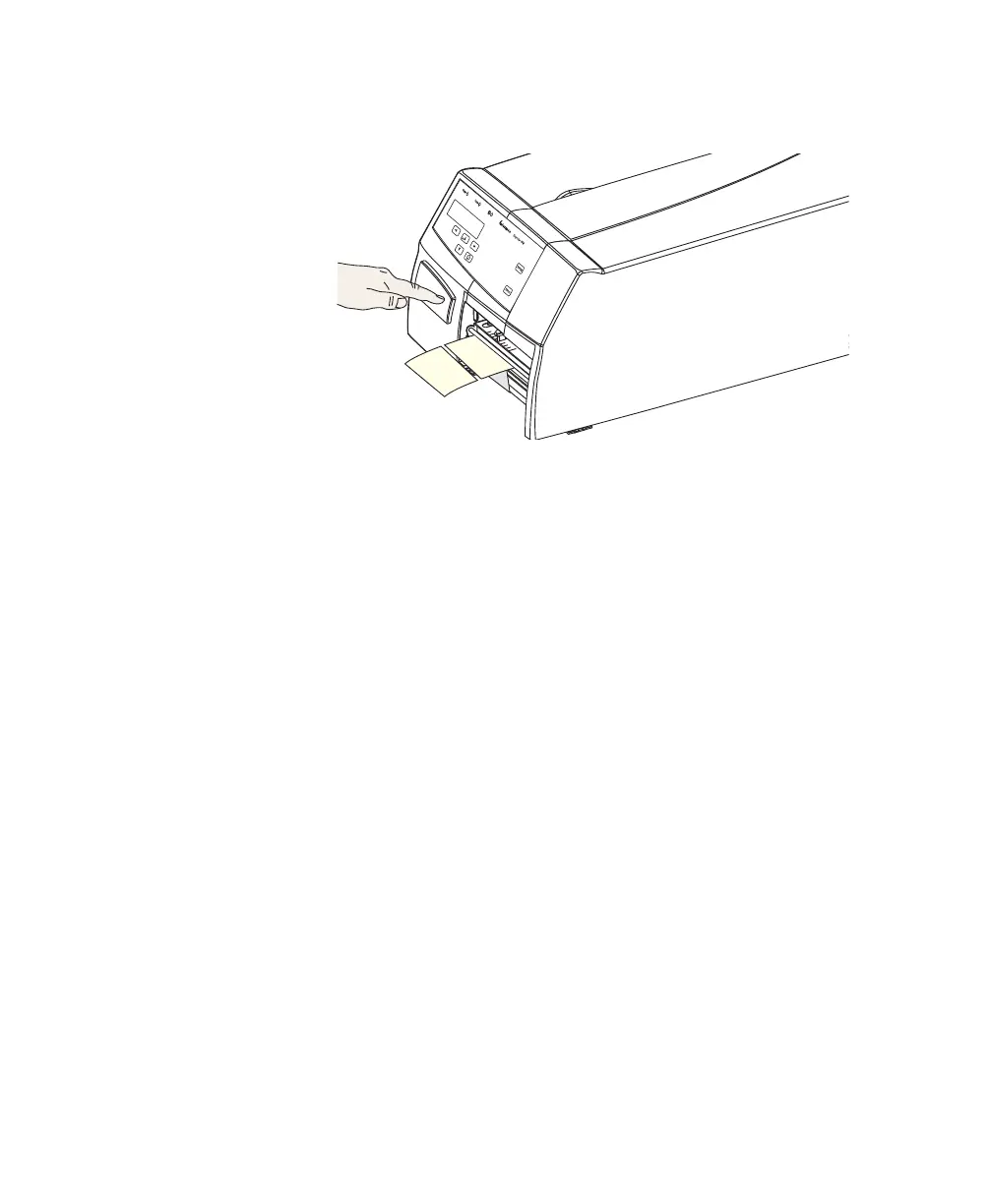
13 Press the Feed/Pause key to advance the media and adjust the
media feed.
External Supply (Fan-Fold)
This section describes the setup when an external media supply is
used such as a stack of fan-folded tickets. External supply can be
used with tear-off (straight-through) printing, and preferably
using the Quick Load guides.
External supply can be used with either ths short or long side
doors and there is no need to remove the media supply post.
When using an external media supply, take care to protect the
media from dust, dirt, and other foreign particles that can impair
the printout quality or cause unnecessary wear to the printhead.
Depending on brand and quality, all direct thermal media are
more or less sensitive to heat, direct sunlight, moisture, oil,
plasticizers, fat, and other substances. Protect the media
accordingly.

















 To Next Page