Chapter 3 — Media Load
26 EasyCoder PF4i User’s Guide (IPL Version)
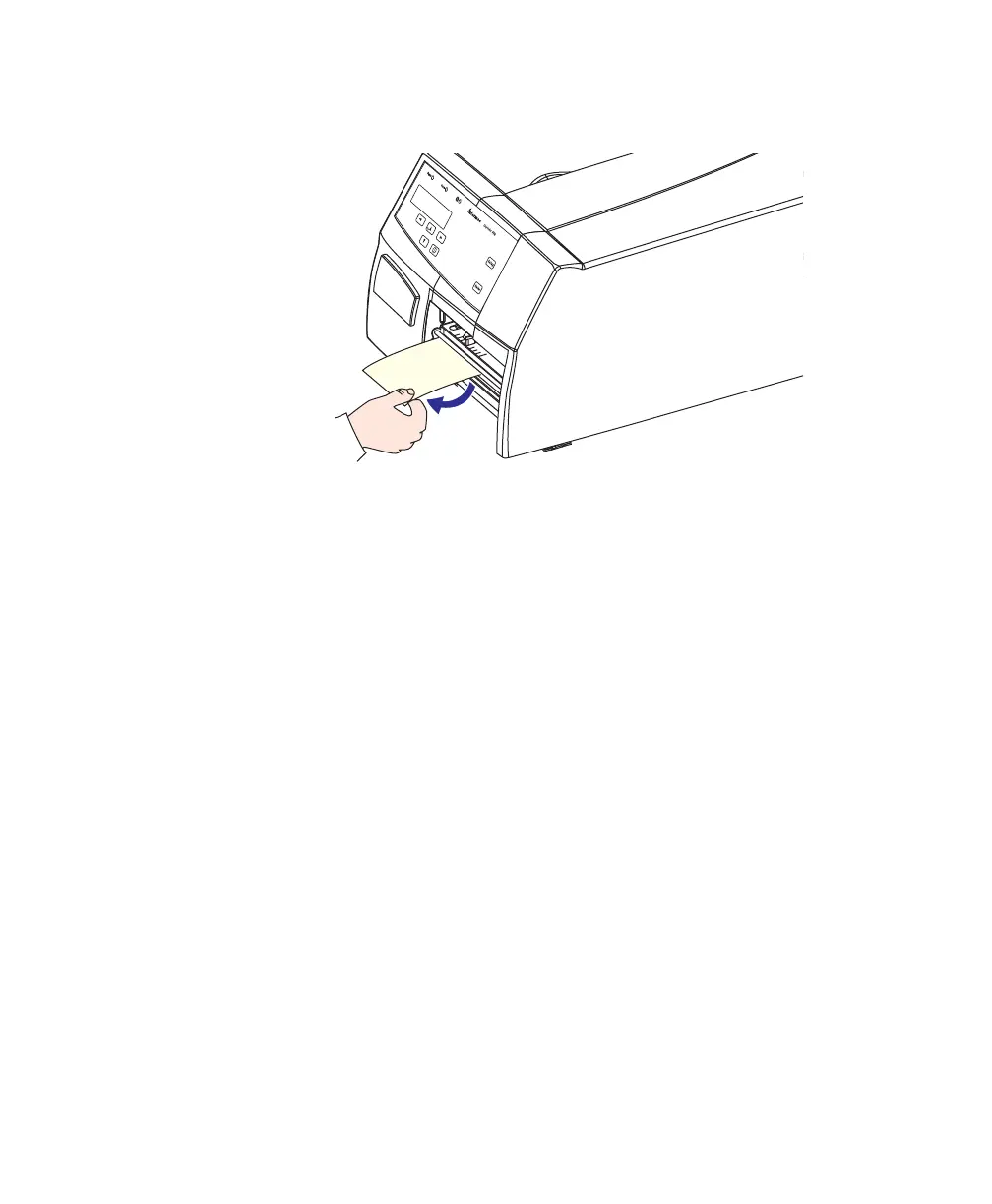
6 To tear off the media, grab the outer edge and pull
downwards.
Cut-Off
The EasyCoder PF4i printer can print on labels, tickets, tags, and
continuous stock in various forms. This section describes the case
when the media is to be cut off by an automatic paper cutter
(optional).
Cut-off can be used for:
• Non-adhesive continuous stock
• Self-adhesive labels with liner (cut only liner between labels)
The cutter is designed to cut through paper-based media with a
thickness between 60 and 175 μm, which roughly corresponds to
a paper weight of 60 to 175 grams/m
2
(basis weight 40 to 120
lb.). The cutter should not be used to cut through labels because
the adhesive will stick to the shears, which can damage the cutter.
The optional label taken sensor cannot be used with the cutter.
The paper cutter can be used with both a standard edge guide or
Quick-Load guides and with any type of side door. In this
chapter, a printer with a standard edge guide and a long side door
is illustrated.

















 To Next Page