95
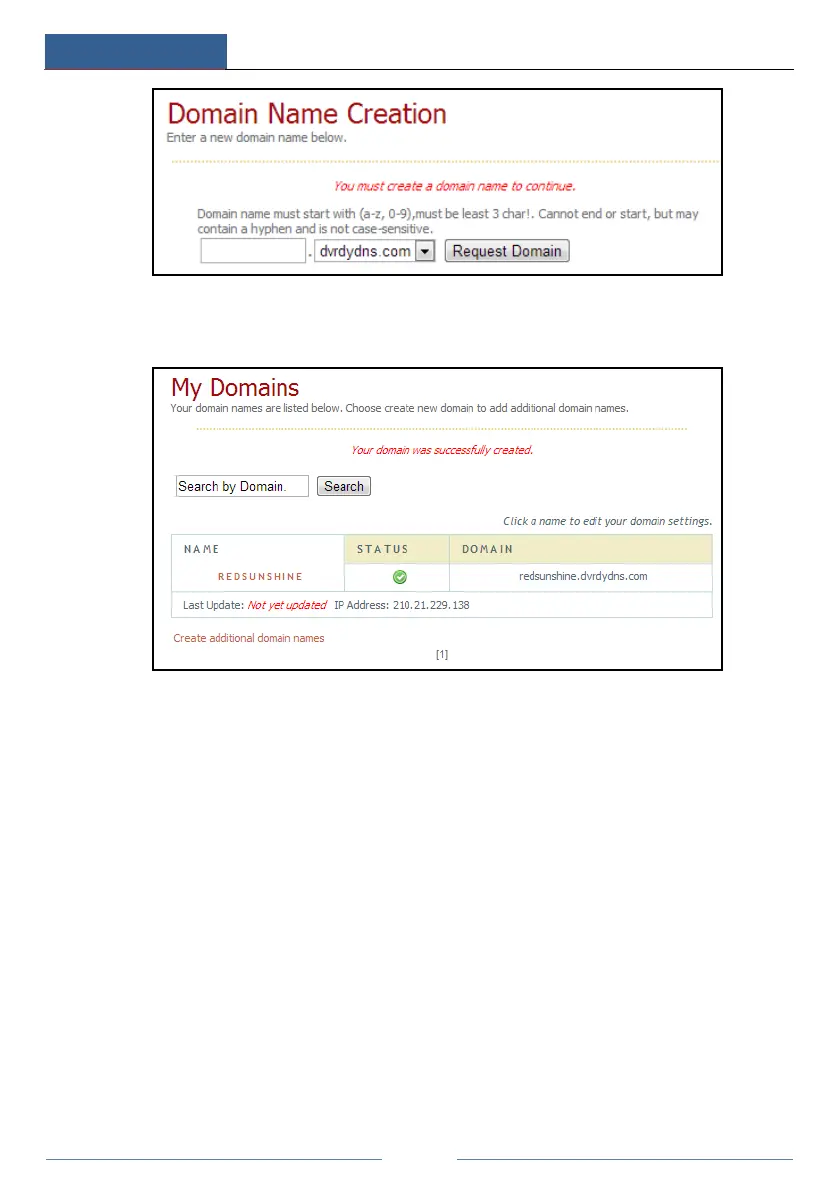
④ After you successfully request your domain name, you will see your domain name
information in the list.
⑤ Click StartSettingsNetworkDDNS to go to DDNS setting interface. Enable DDNS
and then select the www.dvrdydns.com DDNS type. Enter the registered username, password
and domain name and then click “Apply”.
⑥ Map the IP address and HTTP port in the router (you can skip this step if UPnP function is
enabled).
⑦ Enter the registered domain name plus HTTP port like http://www.xxx.dvrdydns.com:81
in the address bar and then press Enter key to go to the client.
11.1.5 E-mail Configuration
Click StartSettingsNetworkE-mail to go to the following interface.



 To Next Page