57
8 Playback & Backup
8.1 Instant Playback
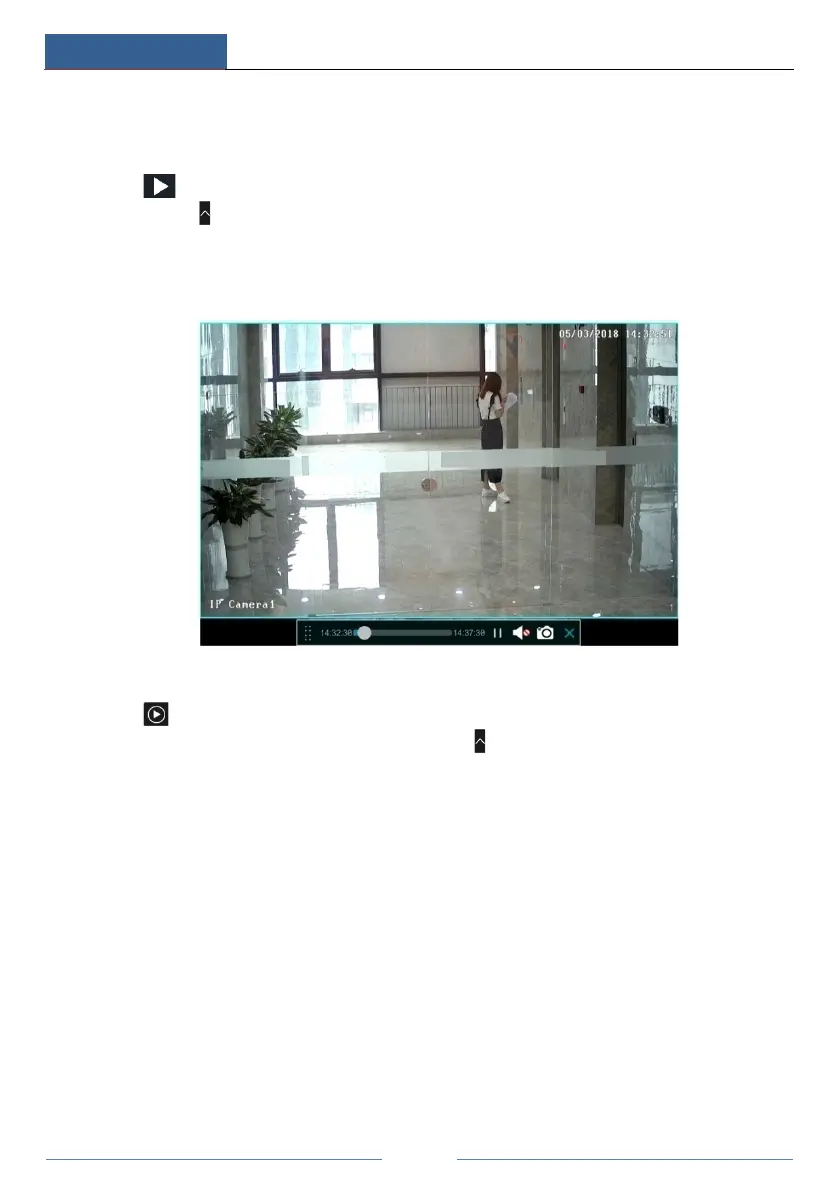
Click on the tool bar at the bottom of the preview camera window to play back the
record (click on the tool bar at the bottom of the live view interface to set the default
playback time). Refer to the picture below. Drag the playback progress bar to change the
playback time. You can also click the right-click menu “Instant Playback” in the camera
window and then set the instant playback time to play back the record.
8.2 Playback Interface Introduction
Click on the tool bar at the bottom of the live view interface or click StartPlayback to
go to the playback interface as shown below (click on the tool bar at the bottom of the live
view interface to set the default playback time).



 To Next Page