33
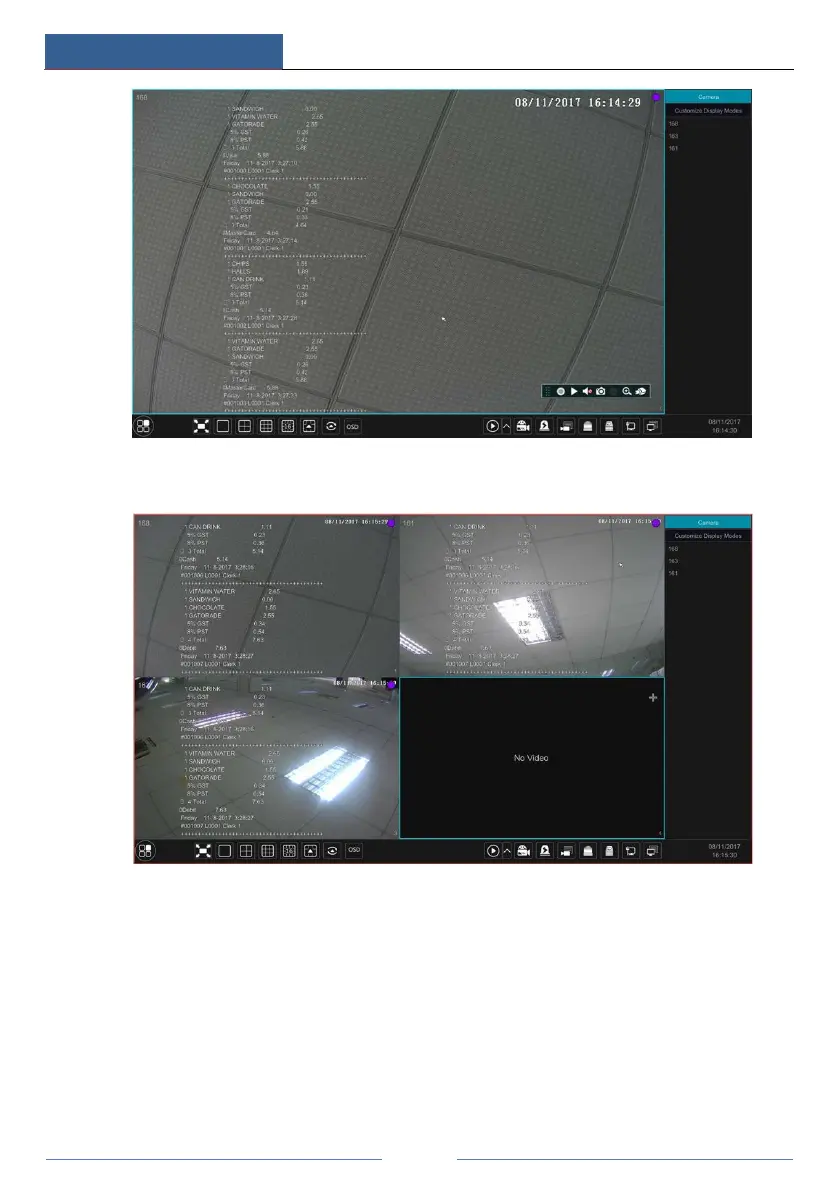
One POS is bound to multiple cameras:
5.4 Image Configuration
5.4.1 OSD Settings
Click StartSettingsCameraImageOSD Settings to go to the interface as shown below.
Select the camera, enter the camera name (or double click the camera name in the camera list to
change the camera name), enable or disable the name and time OSDs (if enabled, drag the red
name and time OSDs directly in the image view area to change the OSDs’ display position) and
select the date, time format and color. Click “Apply” to save the settings.



 To Next Page