66
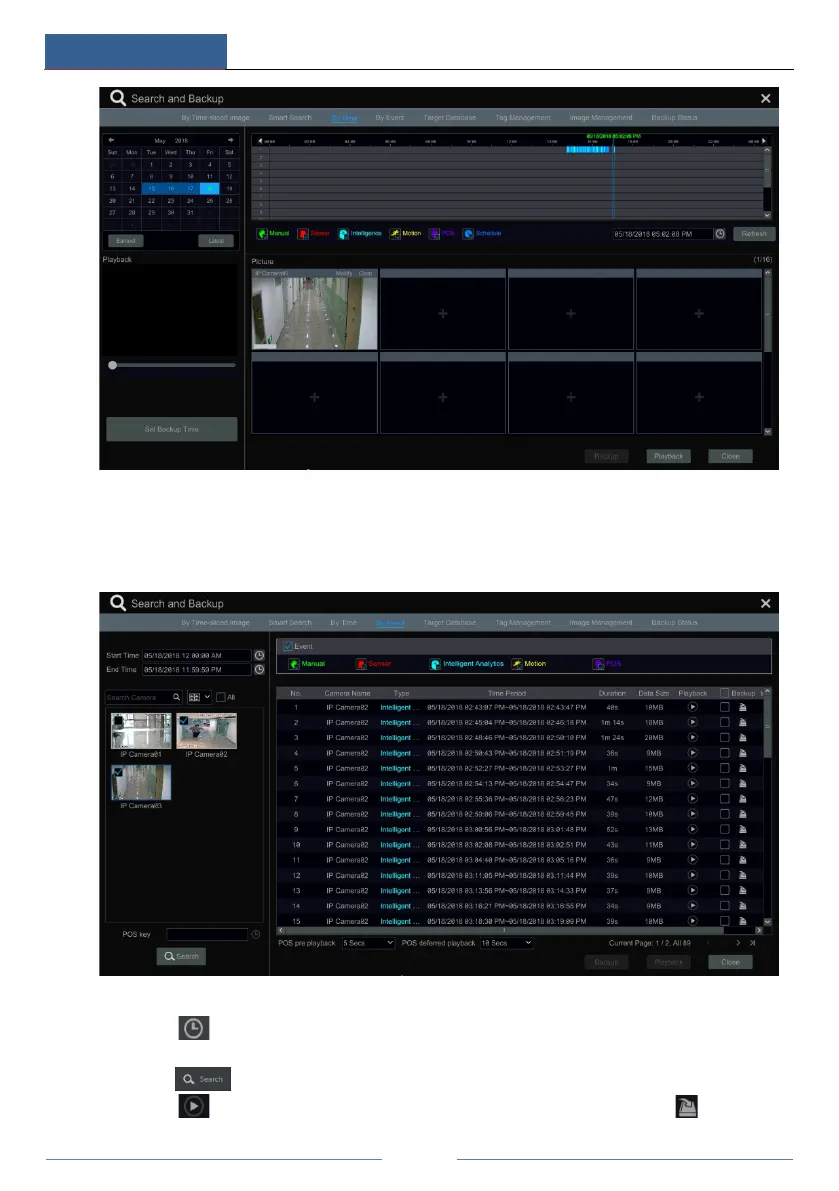
8.4.4 Search, Playback & Backup by Event
Some models may support searching POS event.
① Click StartSearch and BackupBy Event to go to “By Event” tab as shown below.
② Check the event type in the interface as required.
③ Click to set the start time and end time on the top left of the interface.
④ Check cameras on the left side of the interface or check “All” to select all the cameras and
then click to search the record. The searched record will be displayed in the list.
⑤ Click in the list to play back the record in the popup window. Click to back up



 To Next Page