Account & Permission Management
86
10.2 User Login & Logout
Login: Click StartLogin or directly click the preview interface and then select username and
enter the password in the popup window. Click the “Login” button to log in the system.
Logout: Click StartLogout or click StartShutdown to pop up the “Shutdown” window.
Select “Logout” in the window and then click “OK” to log out the system.
10.3 Permission Management
10.3.1 Add Permission Group
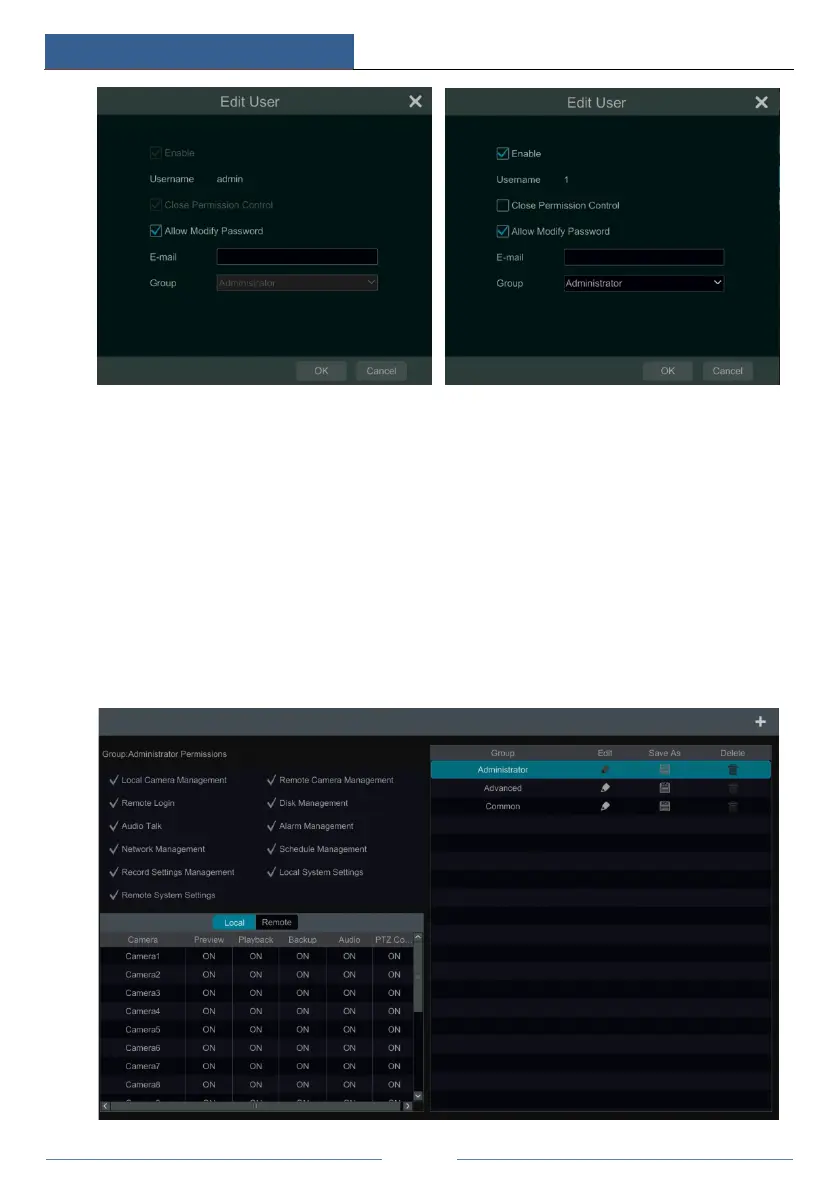
Click StartSettingsAccount and AuthorityAccountEdit Permission Group to go to the
interface as shown below.



 To Next Page