77
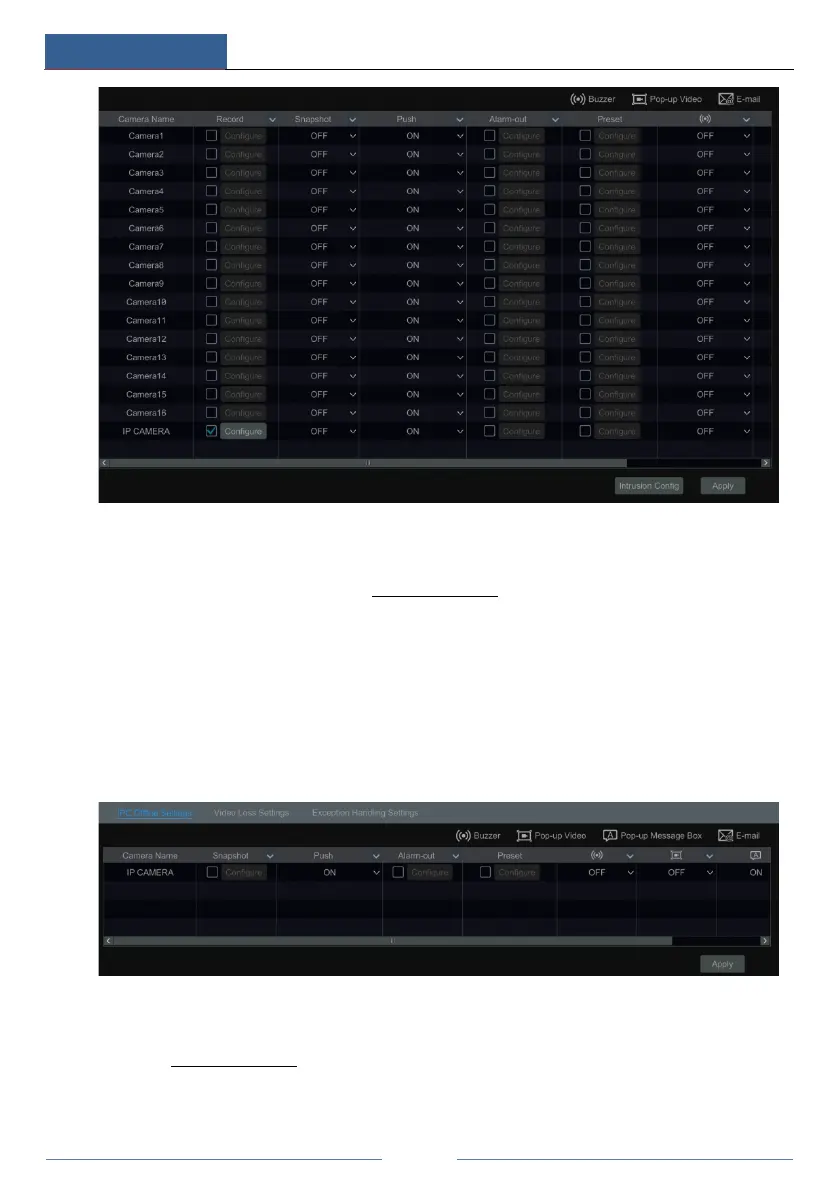
② Enable or disable “Record”, “Snapshot”, “Push”, “Alarm-out”, “Preset”, “Buzzer”,
“Pop-up Video” and “E-mail”. The alarm handling setting of intrusion detection alarm is
similar to that of the sensor alarm (see 9.1 Sensor Alarm
for details).
③ Click “Apply” to save the settings. You can click “Intrusion Config” to go to the intrusion
detection configuration interface.
9.4 Exception Alarm
9.4.1 IPC Offline Settings
① Click StartSettingsAlarmExceptionIPC Offline Settings to go to the interface as
shown below.
② Enable or disable “Snapshot”, “Push”, “Alarm-out”, “Preset”, “Buzzer”, “Pop-up Video”,
“Pop-up Message Box” and “E-mail”. The IPC Offline Settings are similar to that of the sensor
alarm (see 9.1 Sensor Alarm
for details).
③ Click “Apply” to save the settings.



 To Next Page