Account & Permission Management
84
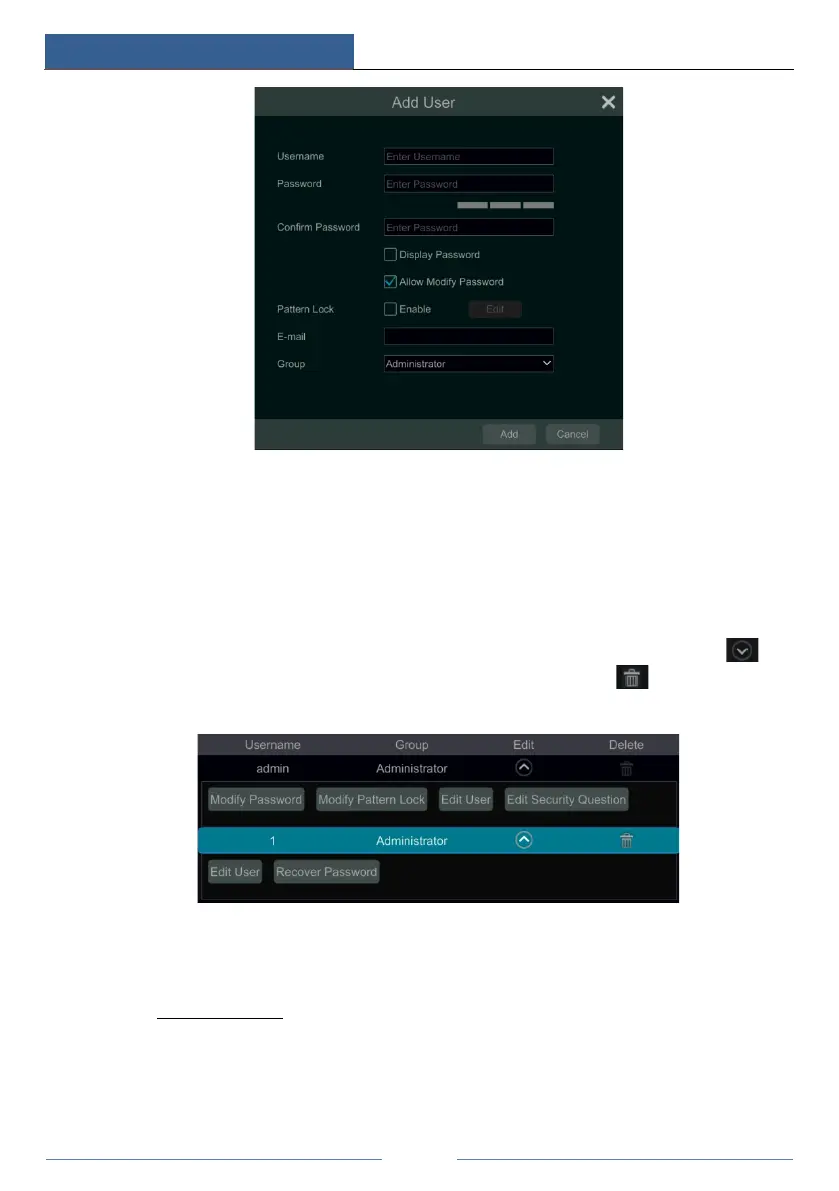
② Set the username, password and group. The e-mail address and MAC address are optional
(enter the MAC address after you check it). Click “Add” to add the user.
If the password security level is changed, please follow the tips shown in interface to set the
password. (To set the password security level, please click Account and AuthorityPassword
Security)
10.1.2 Edit User
Click StartSettingsAccount and AuthorityAccountEdit User and then click in
the user list or double click the user to edit the user information. Click to delete the user
(the user admin cannot be deleted).
Edit Security Question
You can set password security only for admin. Click “Edit Security Question” and then set
questions and answers in the popup window. If you forget the password for admin, please refer
to Q4 in Appendix A FAQ
for details. The passwords of other users can be recovered by admin
or the users that have the “Account and Authority” permission.
Modify Password
Only the password of admin can be modified. Click “Modify Password” to pop up a window.



 To Next Page