Account & Permission Management
89
10.6 Password Security
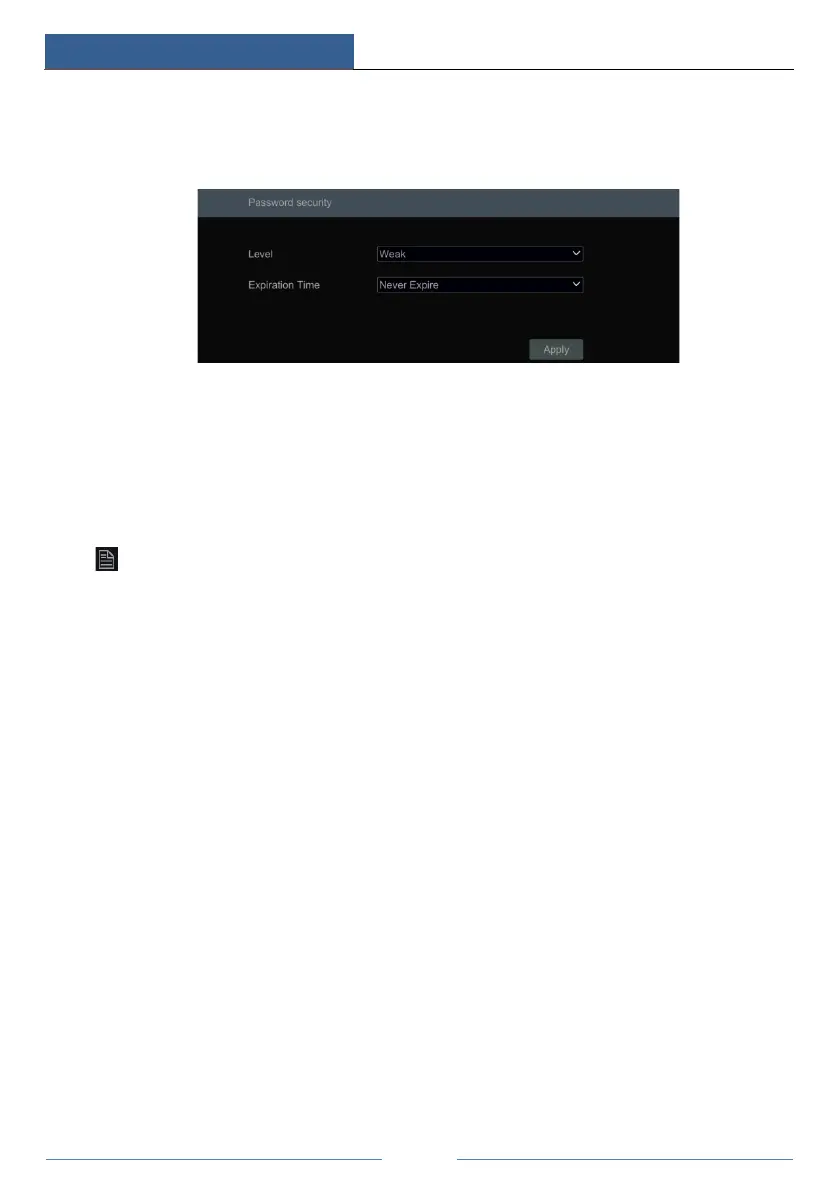
Click StartSettingsAccount and AuthoritySecurityPassword Security to go to the
following interface.
In this interface, you can set the level and expiration time of the password.
Level: 4 levels—weak, medium, strong, stronger.
Expiration Time: 4 options --Never expire, 30 days, 90 days or 180.
10.7 View Online User
Click StartSettingsAccount and AuthorityUser Status to view the online user
information (you can view the online user name, login type, IP address and login time; click
to pop up a window showing the preview occupied channel number and playback
occupied channel number).



 To Next Page