67
one record data or check multiple record data in the list and then click the “Backup” button for
record batch backup.
⑥ Select one record data in the list and then click the “Playback” button to play the record in
the playback interface.
8.4.5 Search & Playback by Tag
Only if you add the tags can you play the record by tag search. Click StartPlayback to go to
the playback interface and then click on the bottom of the camera window to add tag
when you want to mark the playback time point of the selected camera.
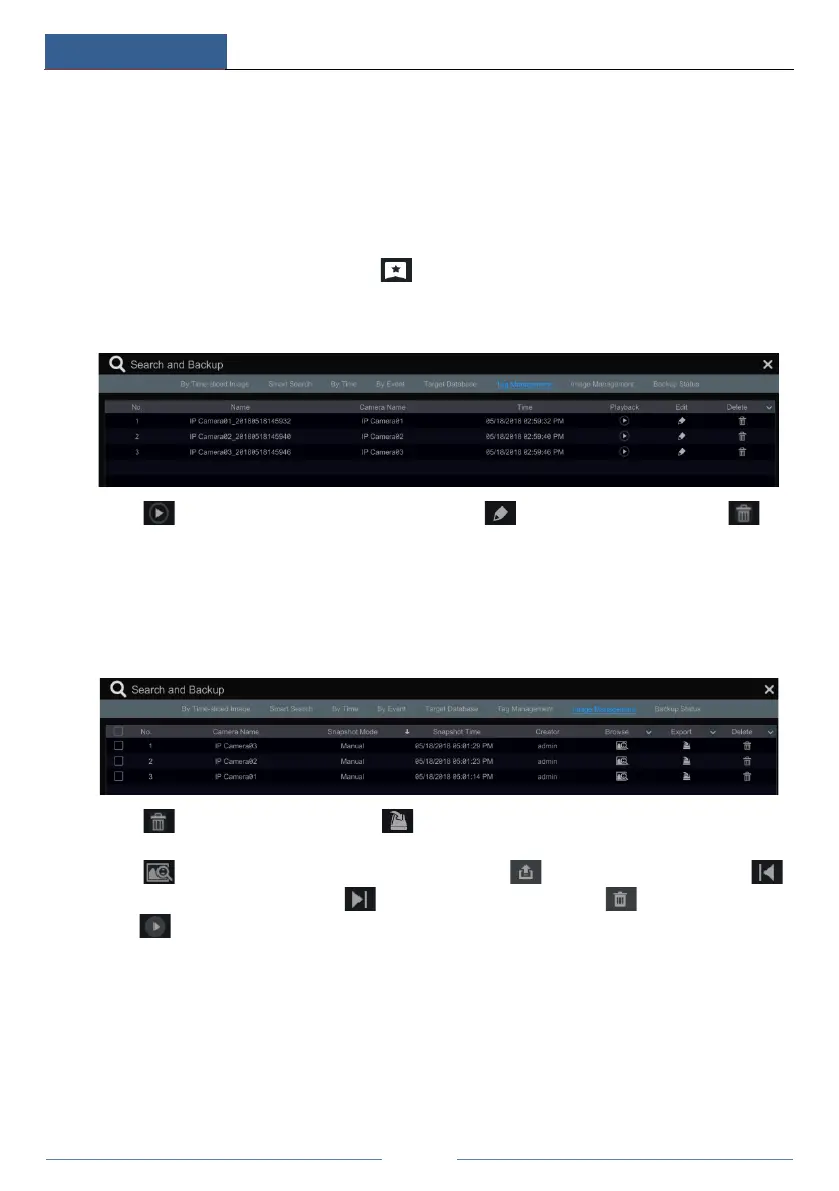
Click StartSearch and BackupTag Management to go to “Tag Management” tab.
Click in the interface to play the record. Click to edit the tag name. Click to
delete the tag.
8.4.6 Image Management
Click StartSearch and BackupImage Management to go to “Image Management” tab. The
system will display all the snapped images automatically in the list.
Click to delete the image. Click to pop up the “Export” window. Select the device
name and save path in the window and then click the “Save” button.
Click to pop up the “View Image” window. Click to export the image. Click
to view the previous image; click to view the next image; click to delete the image;
click to play all the images.



 To Next Page