48
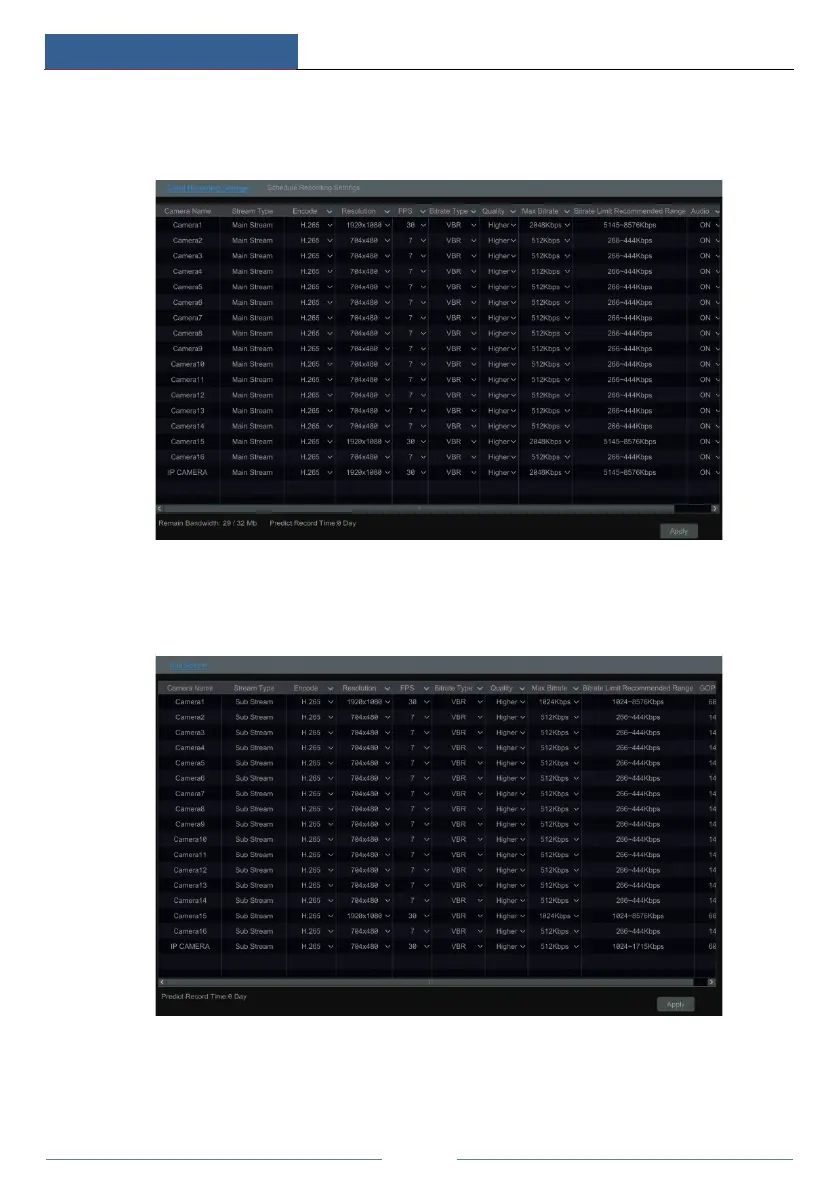
camera in “Event Recording Settings” and “Schedule Recording Settings” interfaces. Click
“Apply” to save the settings. You can set the record stream of each camera one by one or set
them in bulk for all cameras.
Click StartSettingsRecordStream Settings to go to “Sub Stream” interface. Set the
encode, resolution, FPS, bitrate type, quality and max bitrate of sub-stream for each camera in
the interface and then click “Apply” to save the settings.
7.3 Schedule Setting
7.3.1 Add Schedule
Click StartSettingsRecordRecord ScheduleEdit Schedules to go to the interface as



 To Next Page