62
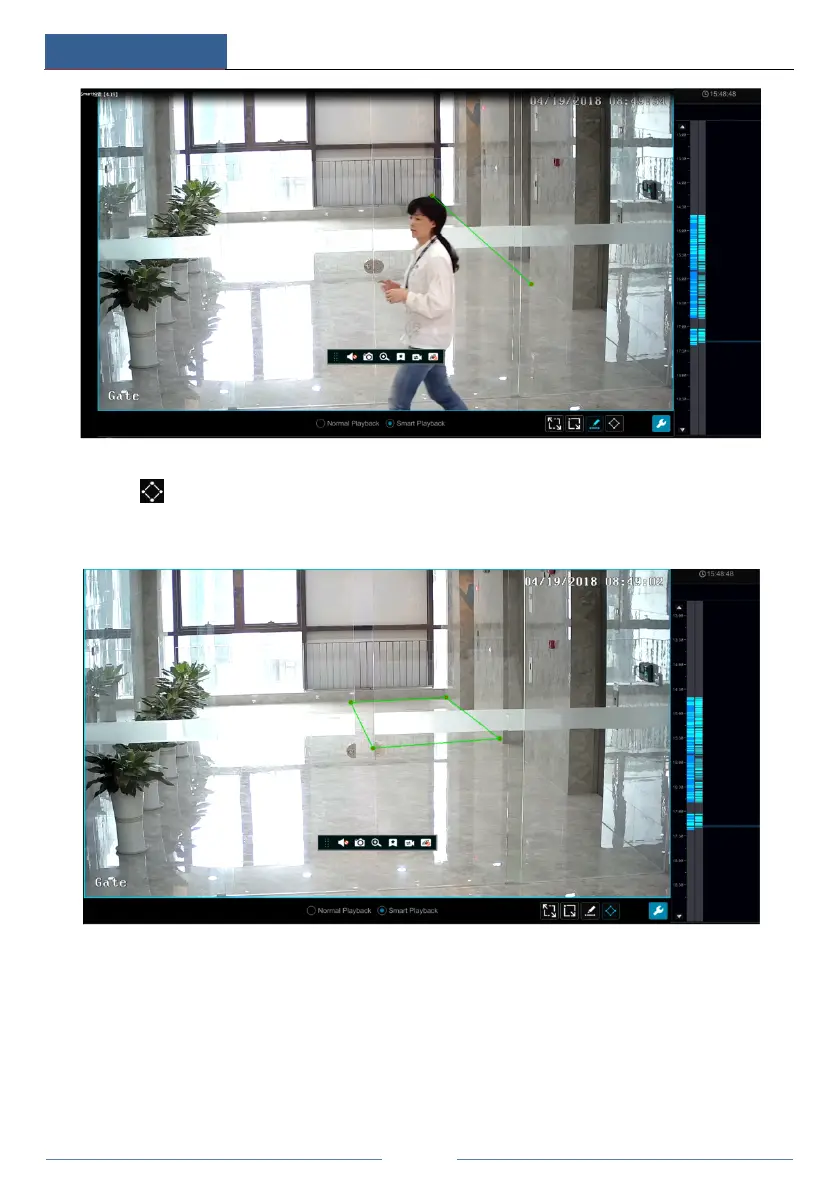
Smart Playback by Drawing Quadrilateral
Click
and draw a quadrangle in the desired area. Then the system will automatically
search the record files of this area. The cyan blocks indicate that there are intelligent recording
files. Move the cursor to such block and click to play the record.
8.4 Record Search, Playback & Backup
The record data and the snapped pictures can be backed up through network or USB (U disk or
USB mobile HDD). The file system of the backup devices should be FAT32 format.
8.4.1 Search, Playback & Backup by Time-sliced Image
① Click StartSearch and BackupBy Time-sliced Image to go to “By Time-sliced Image”



 To Next Page