63
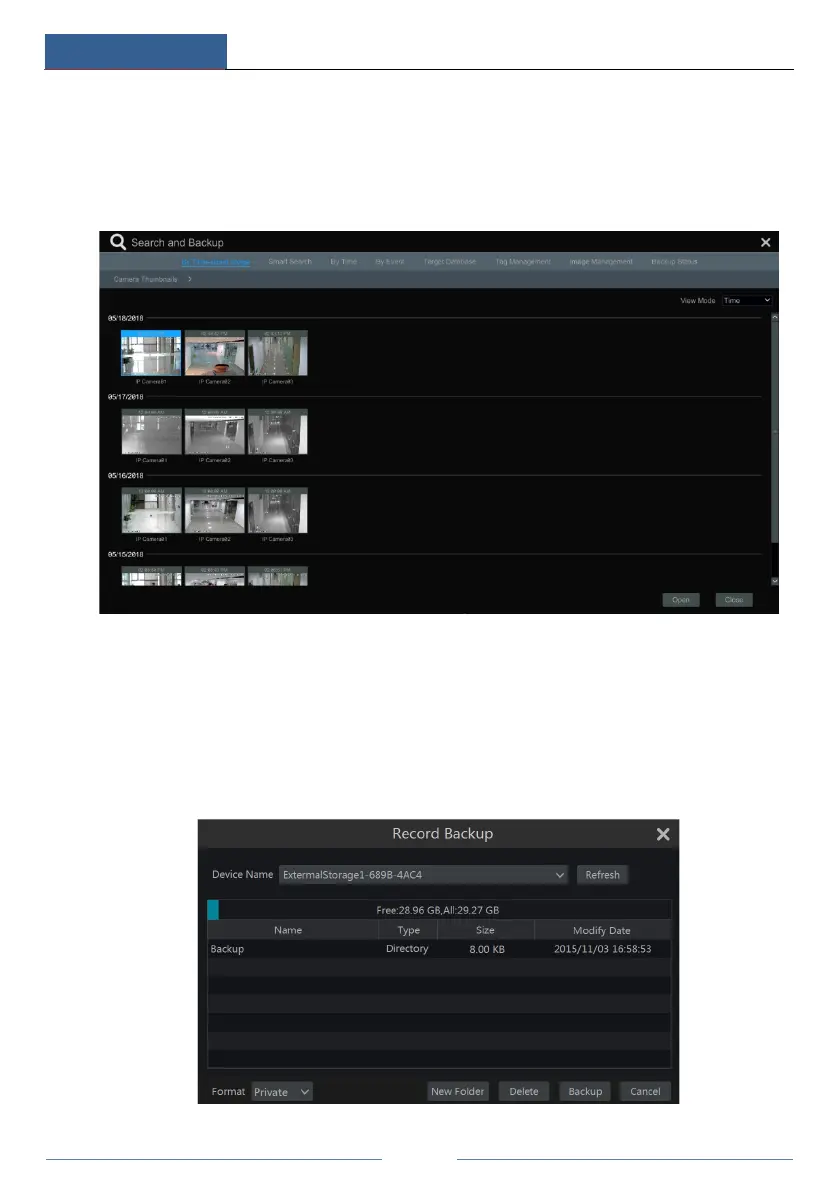
tab. There are two view modes: by time and by camera. In the time view mode, a maximum of
64 camera thumbnails can be shown. If the camera thumbnail number is more than 64, the
cameras will be listed directly by their camera name, not the thumbnail. A maximum of 196
camera names can be listed. If the camera name number is more than 196, the time view mode
will be disabled and the camera view mode will be available only.
② Select one camera in the interface and then click the “Open” button.
③ Click the image box to play the record in the small playback box on the left side of the
interface (the box which has image inside indicates that the record data exist).
④ Refer to the picture below. Drag the color blocks on the time scale to select the record data
and then click the “Backup” button to pop up the “Record Backup” window as shown below.
Select the device name, backup format and path and then click the “Backup” button to start the
backup.



 To Next Page