79
9.5 Alarm Event Notification
9.5.1 Alarm-out
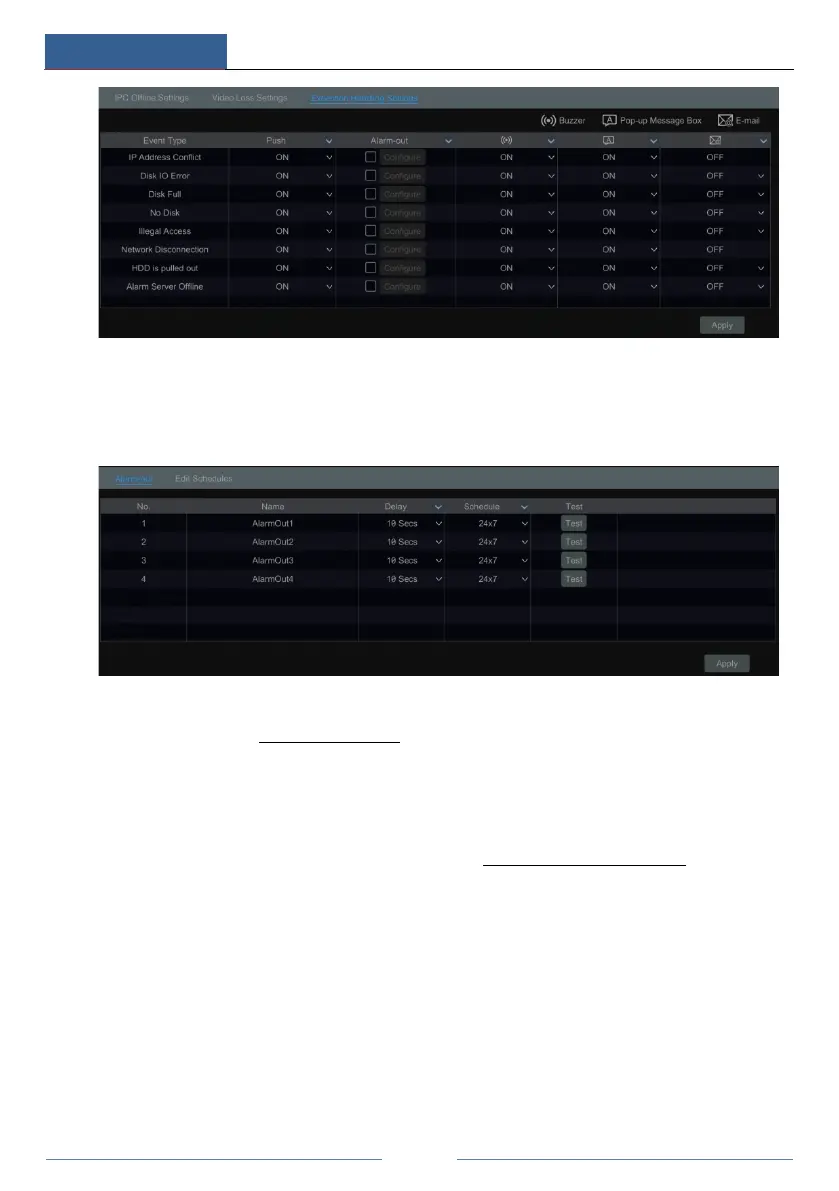
① Click StartSettingsAlarmEvent Notification to go to the following interface.
② Set the delay time and the schedule of each alarm-out. You can click “Edit Schedules” to
edit the schedules (see 7.3.1 Add Schedule
for details).
③ Click “Apply” to save the settings. You can click “Test” to test the alarm output.
9.5.2 E-mail
Click StartSettingsAlarmEvent NotificationE-mail to go to the e-mail configuration
interface. Set the e-mail address of the recipients. See 11.1.5 E-mail Configuration
for details.
9.5.3 Display
Click StartSettingsAlarmEvent NotificationDisplay to go to the display configuration
interface. Set the duration time of the pop-up video and the pop-up message box. Click “Apply”
to save the settings.



 To Next Page