102
11.1.13 SNMP (Optional)
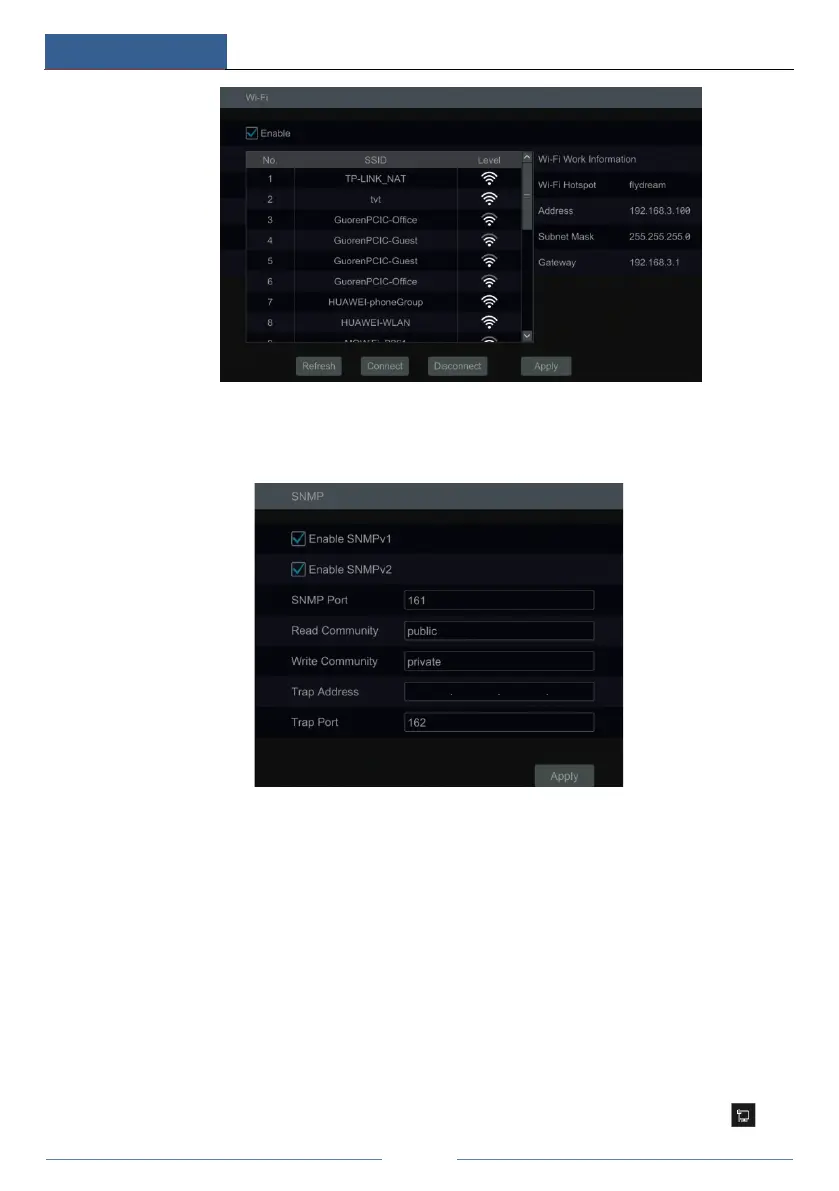
① Click StartSettingsNetworkSNMP to go to the interface for SNMP configuration.
② Check SNMPv1or SNMPv2 to enable this function.
③ Set the port of the SNMP.
④ Set the trap address and the trap port.
⑤ Click “Apply” to save the settings.
Trap Address: The IP address of SNMP host.
Trap Port: The port of SNMP host.
Tips: Before setting the SNMP, please download the SNMP software and manage to receive
the device information via SNMP port. By setting the trap address, the device is allowed to
send the alarm event and exception message to the monitoring center.
11.1.14 View Network Status
Click StartSettingsNetworkNetwork Status to view the network status or click on



 To Next Page