101
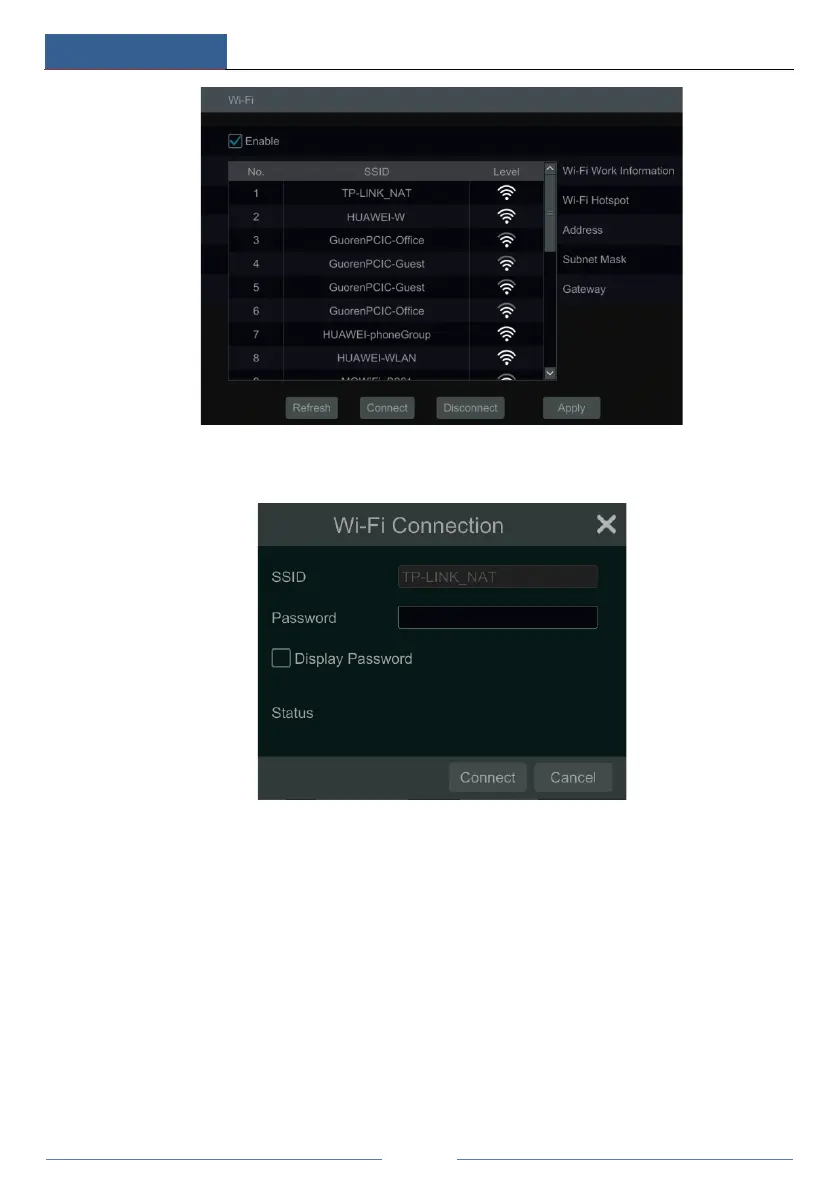
④ Choose the desired wireless router and then click “Connect”.
⑤ Enter the key/password in the Wi-Fi connection box and then click “Connect”. The
connection status will be displayed after the Wi-Fi is connected.
⑦ Exit the Wi-Fi connection interface, you can view the detailed Wi-Fi information, such as
IP address, gateway, etc.



 To Next Page