100
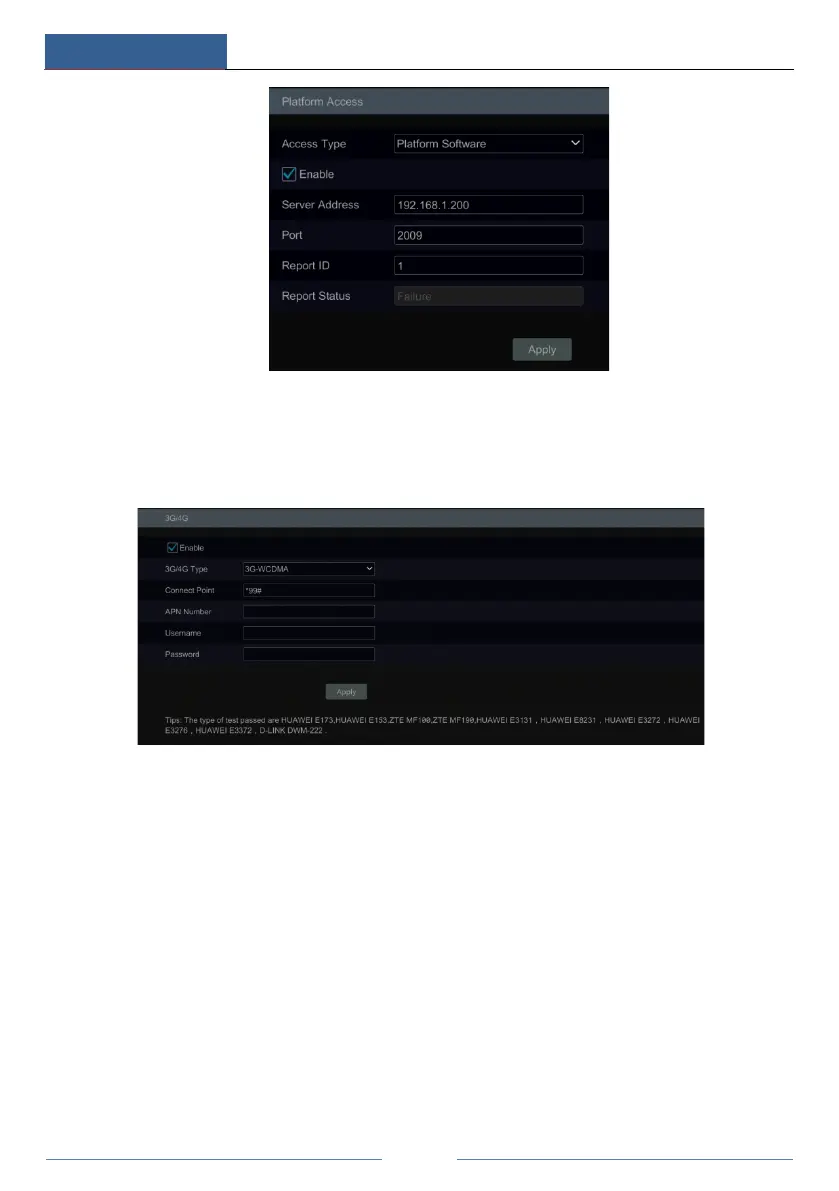
11.1.11 3G/4G (Optional)
① Plug in the USB wireless device with SIM card.
② Click StartSettingsNetwork 3G/4G to go to the interface for wireless settings.
③ Enable 3G/4G function.
④ Choose the 3G/4G type as needed.
⑤ Click “Network Status” to view the 3G/4G connection status and get the IP address.
11.1.12 Wi-Fi (Optional)
① Plug in the USB Wi-Fi search device.
② Click StartSettingsNetwork Wi-Fi to go to the interface for wireless settings.
③ Enable Wi-Fi function. Click “Refresh” and then the system will automatically search
wireless routers.



 To Next Page