52
Configuration for details.
The camera will start motion based recording once you finish the above settings.
7.4.4 Sensor Based Recording
① Set the sensor based recording schedule of each camera. See 7.3 Schedule Setting for
details.
② Set the NO/NC type of the sensor, enable the sensor alarm and then check and configure
the “Record”. See 9.1 Sensor Alarm
for details.
7.4.5 Intelligence Recording
① Set the intelligence recording schedule of each IP camera. See 7.3 Schedule Setting for
details.
② Enable the intelligence detection (object detection, exception, line crossing or intrusion
detection) and draw alert surface or warning area of each IP camera. See 9.3 Intelligence
Alarm for details.
The camera will start intelligence recording once you finish the above settings. This function
is only available for some IPCs.
7.5 Disk Management
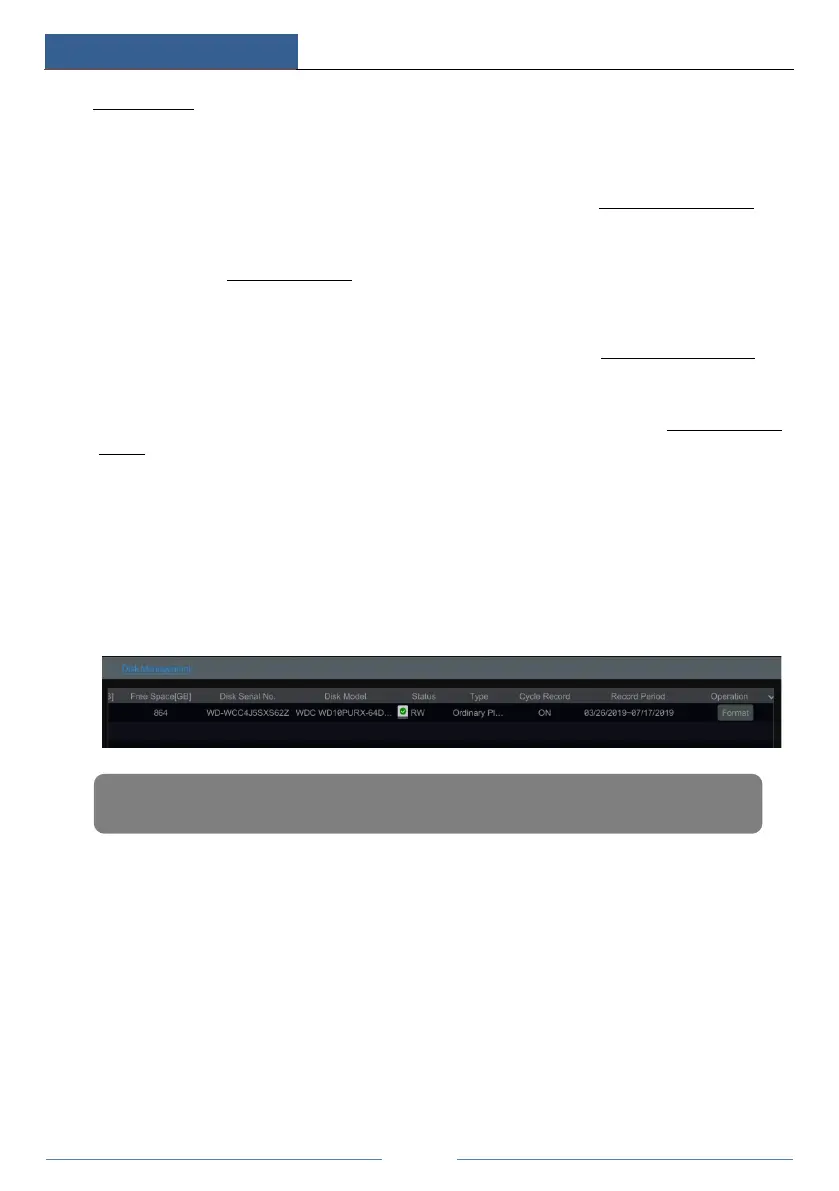
Click StartSettingsDiskDisk Management to go to disk management interface. You can
view the DVR’s disk number and disk status and so on in the interface. Click the “Format”
button to format the HDD.
Some models may not support RAID function. The settings of RAID are as followings. Please
skip the settings of physical disk, array and disk mode if the DVR doesn’t support this function.
RAID
① Enable RAID
(Go to StartSettingsDiskDisk Mode)
Note: The new HDD should be formatted for normal use.



 To Next Page